                                                                                                                                           Flight
                                                                                    Phantom 3 SE User Manual
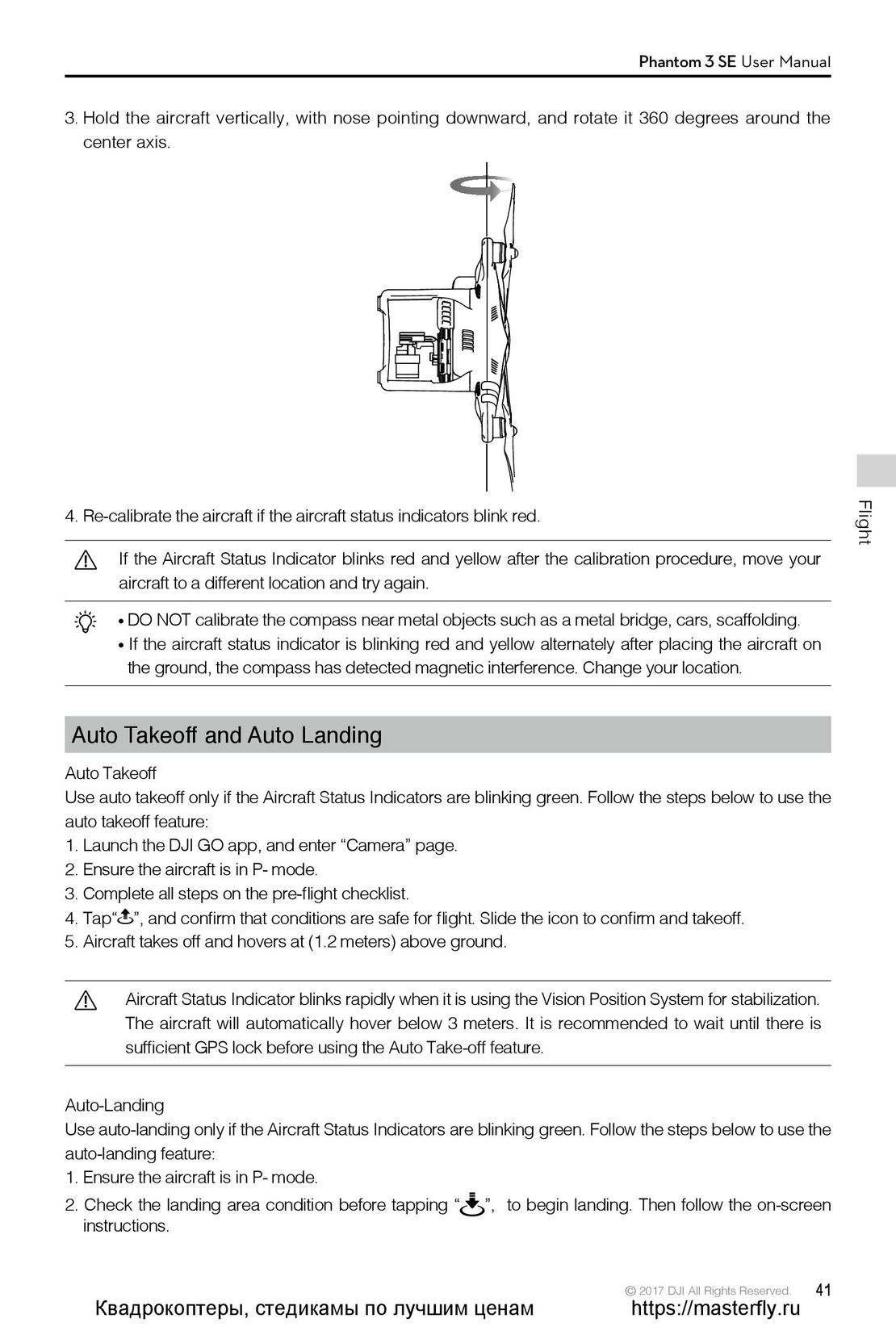
3. Hold the aircraft vertically, with nose pointing downward, and rotate it 360 degrees around the
  center axis.
4. Re-calibrate the aircraft if the aircraft status indicators blink red.
        If the Aircraft Status Indicator blinks red and yellow after the calibration procedure, move your
        aircraft to a different location and try again.
        DO NOT calibrate the compass near metal objects such as a metal bridge, cars, scaffolding.
        If the aircraft status indicator is blinking red and yellow alternately after placing the aircraft on
        the ground, the compass has detected magnetic interference. Change your location.
Auto Takeoff and Auto Landing
Auto Takeoff
Use auto takeoff only if the Aircraft Status Indicators are blinking green. Follow the steps below to use the
auto takeoff feature:
1. Launch the DJI GO app, and enter “Camera” page.
2. Ensure the aircraft is in P- mode.
3. Complete all steps on the pre-flight checklist.
4. Tap“  ”, and confirm that conditions are safe for flight. Slide the icon to confirm and takeoff.
5. Aircraft takes off and hovers at (1.2 meters) above ground.
        Aircraft Status Indicator blinks rapidly when it is using the Vision Position System for stabilization.
        The aircraft will automatically hover below 3 meters. It is recommended to wait until there is
        sufficient GPS lock before using the Auto Take-off feature.
Auto-Landing
Use auto-landing only if the Aircraft Status Indicators are blinking green. Follow the steps below to use the
auto-landing feature:
1. Ensure the aircraft is in P- mode.
2. Check the landing area condition before tapping “         ”, to begin landing. Then follow the on-screen
  instructions.
                                                                               © 2017 DJI All Rights Reserved.    41
  Квадрокоптеры, стедикамы по лучшим ценам                                        https://masterfly.ru
 36
36 37
37 38
38 39
39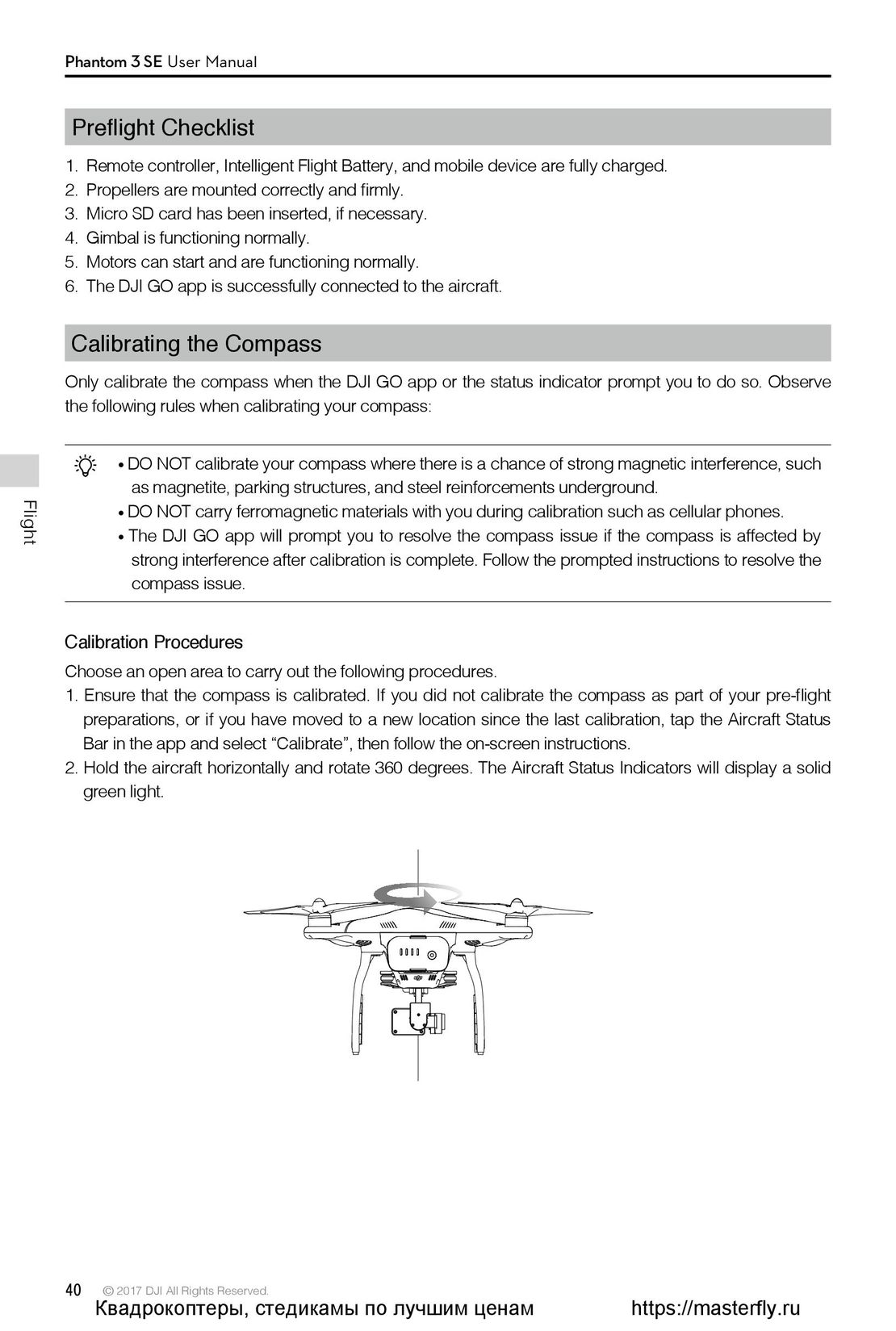 40
40 42
42 43
43 44
44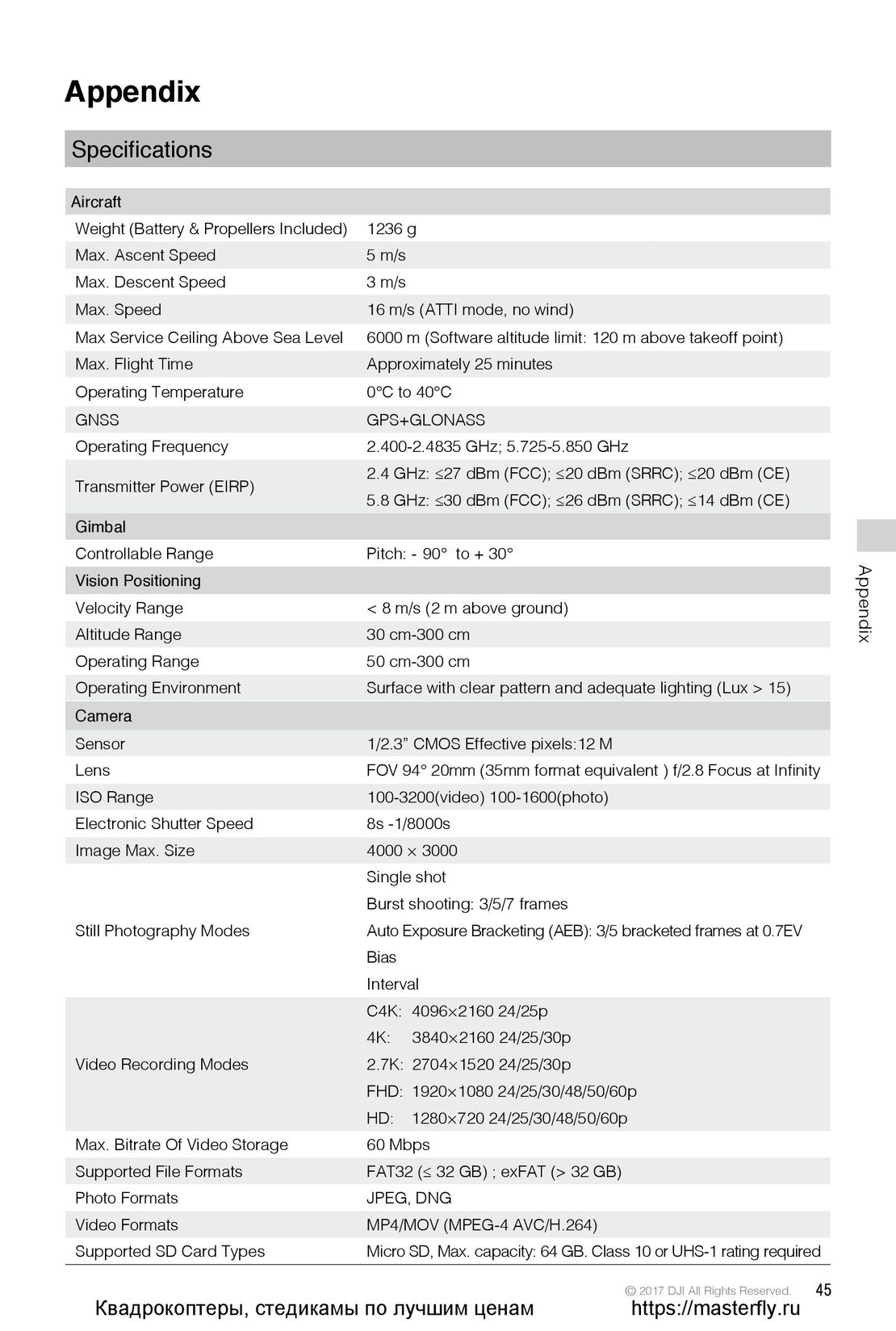 45
45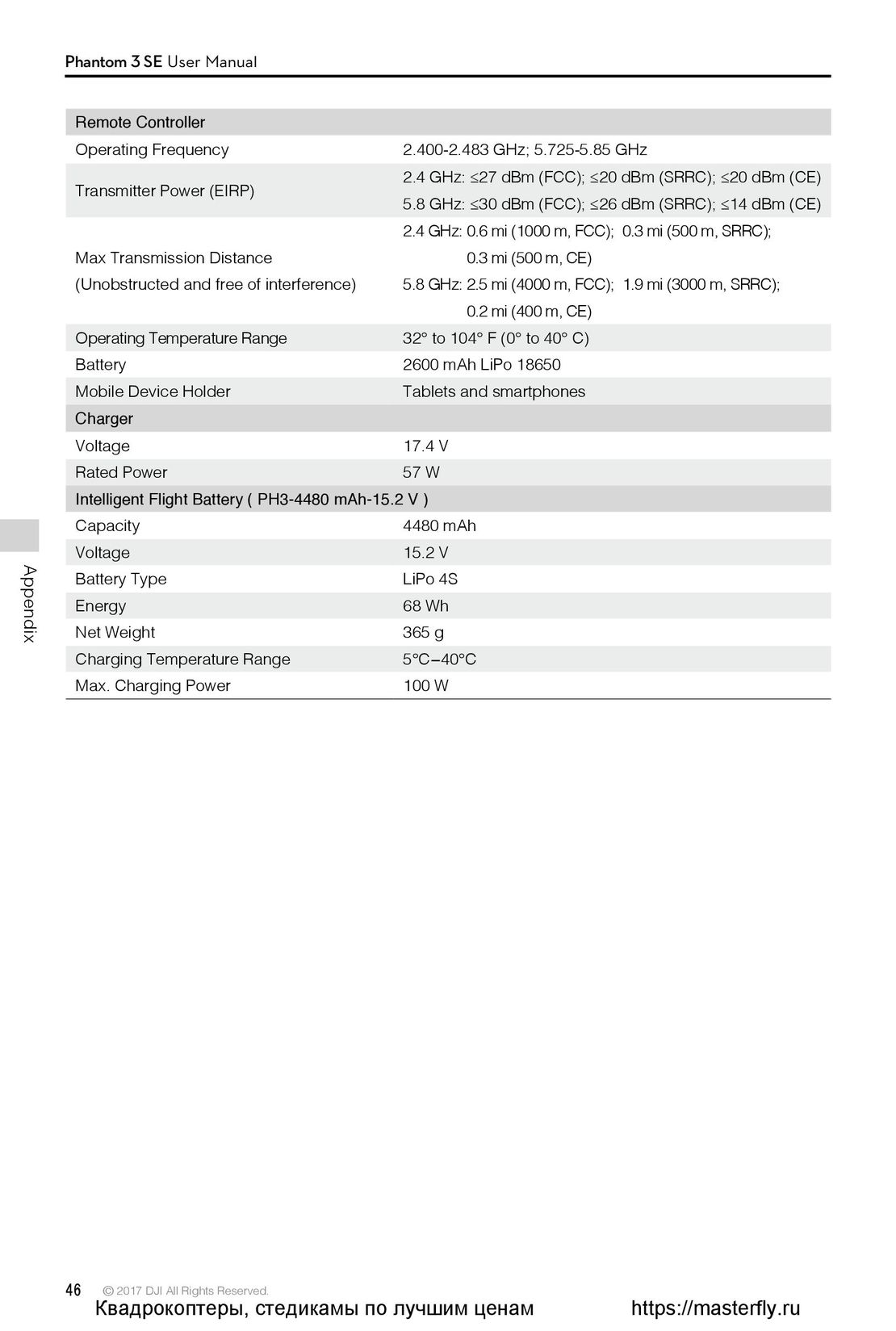 46
46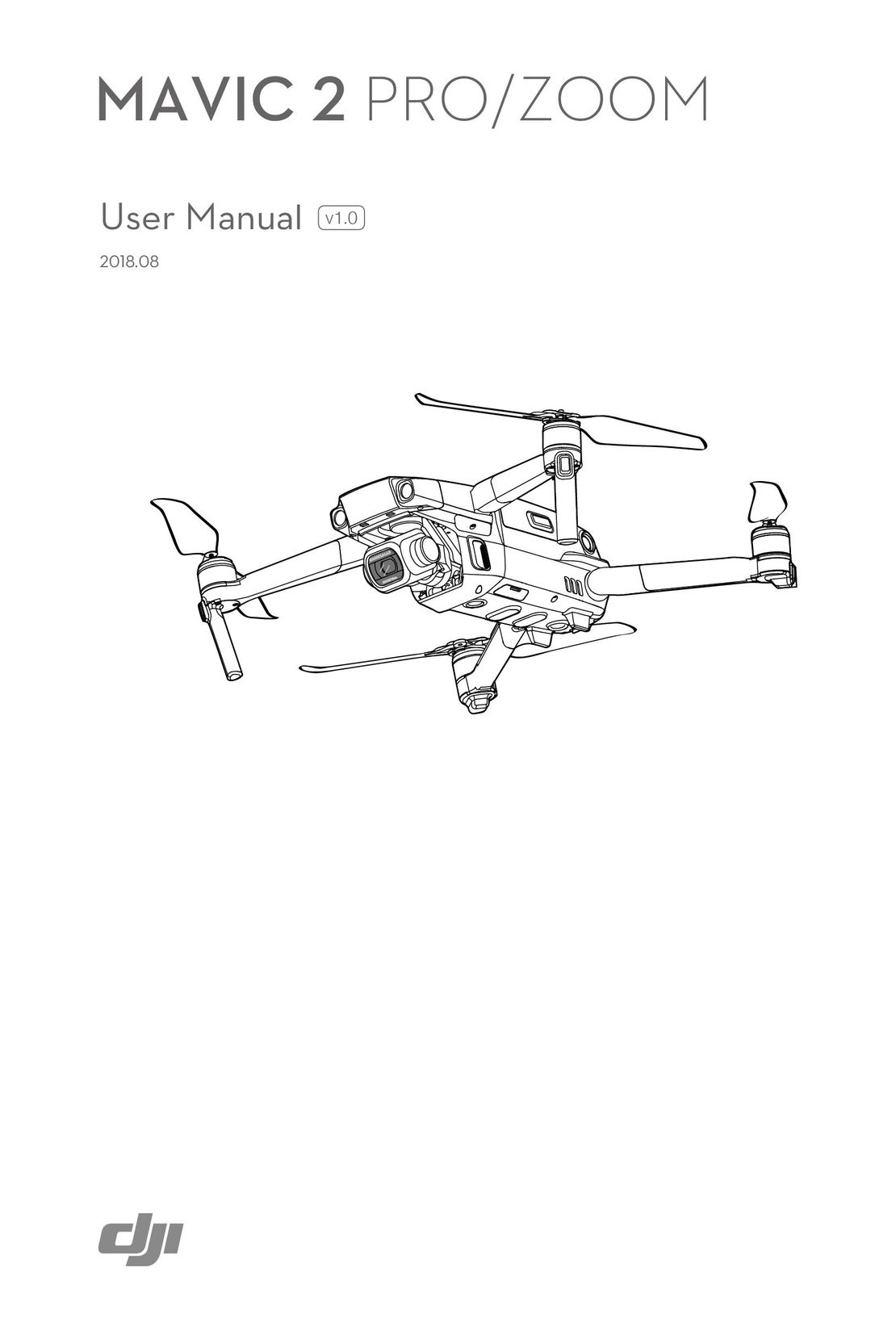 DJI Mavic 2 Pro и Zoom инструкция на английском
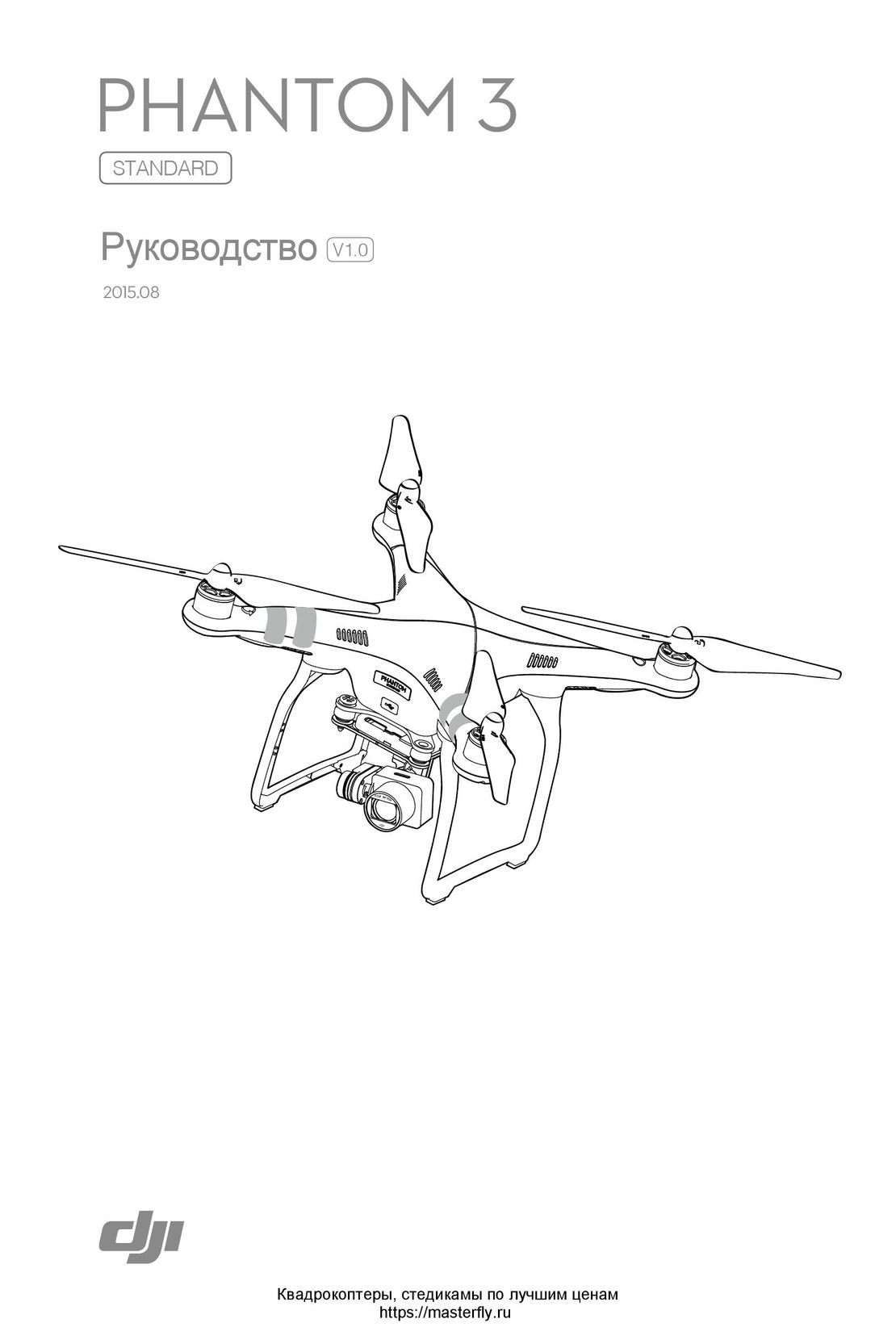 DJI Phantom 3 Standard инструкция на русском
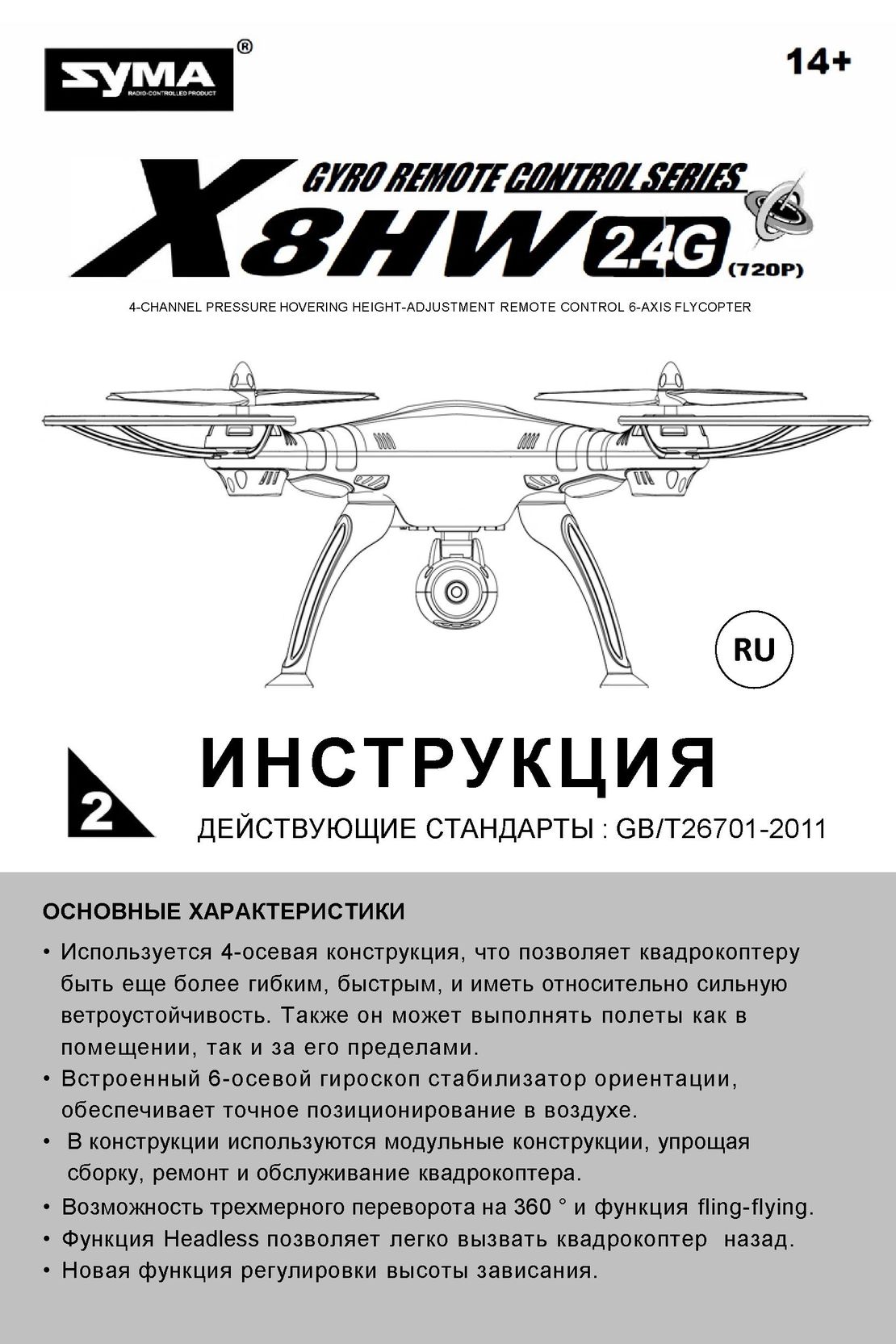 Syma X8HW инструкция на русском
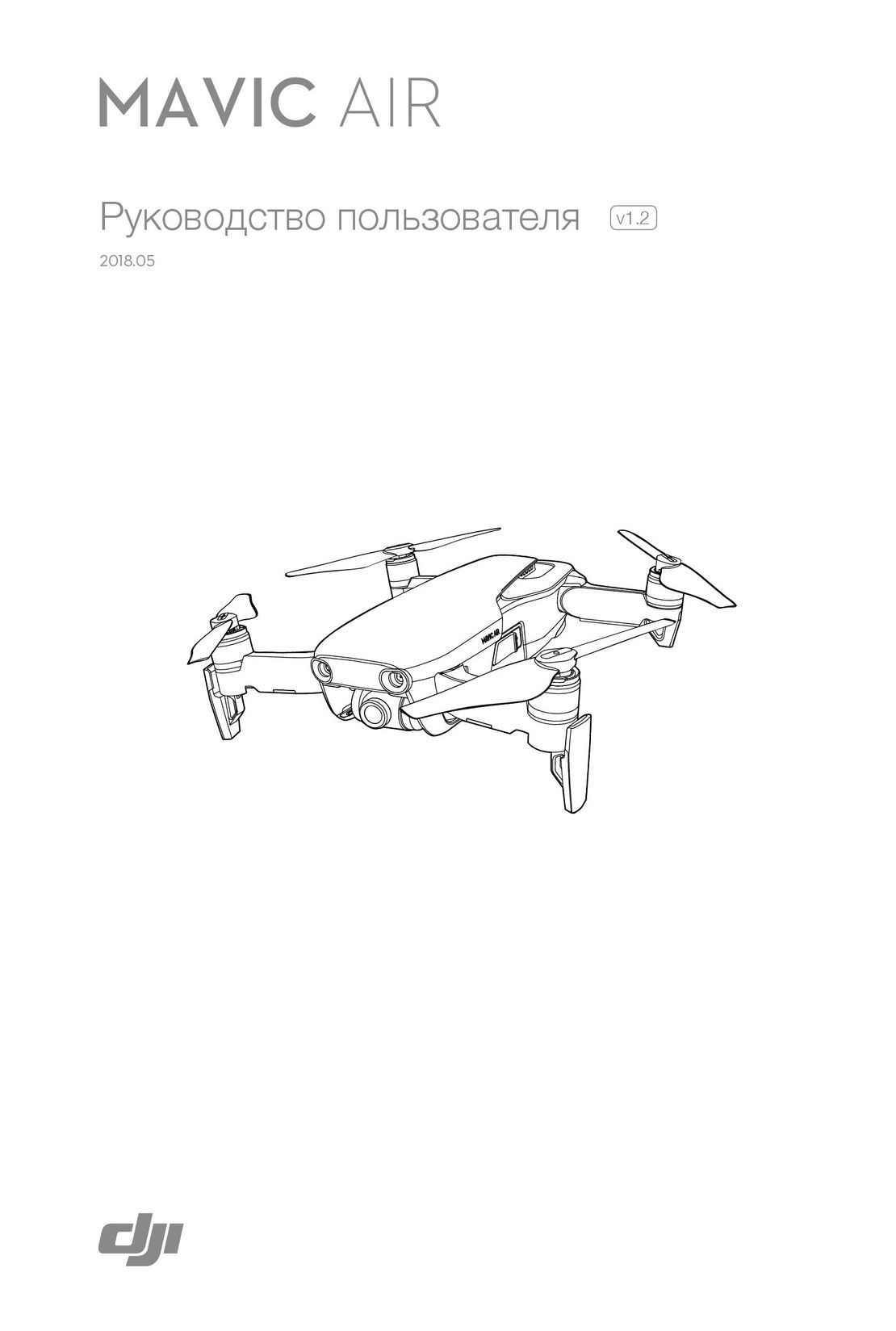 DJI Mavic Air инструкция на русском
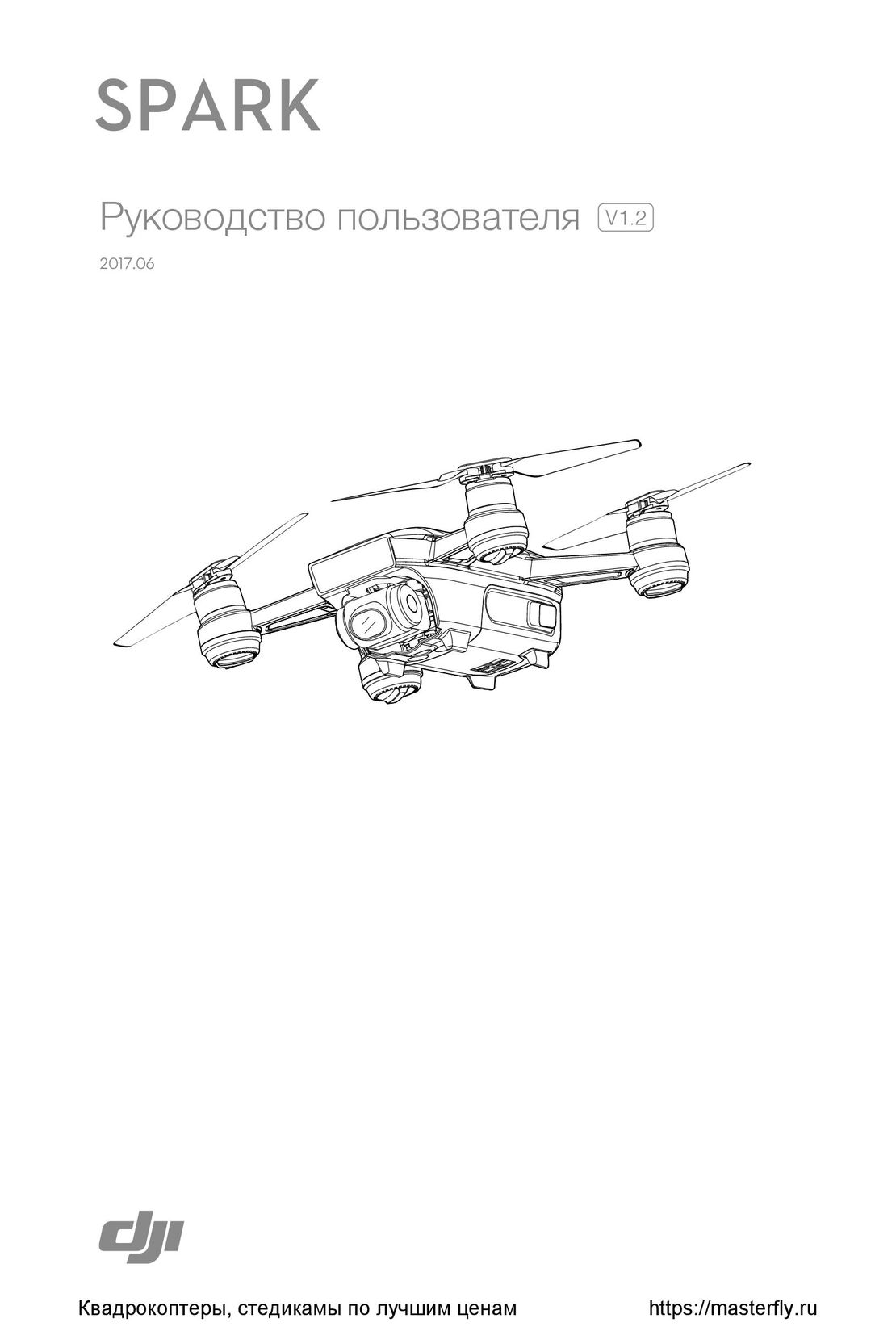 DJI Spark инструкция на русском
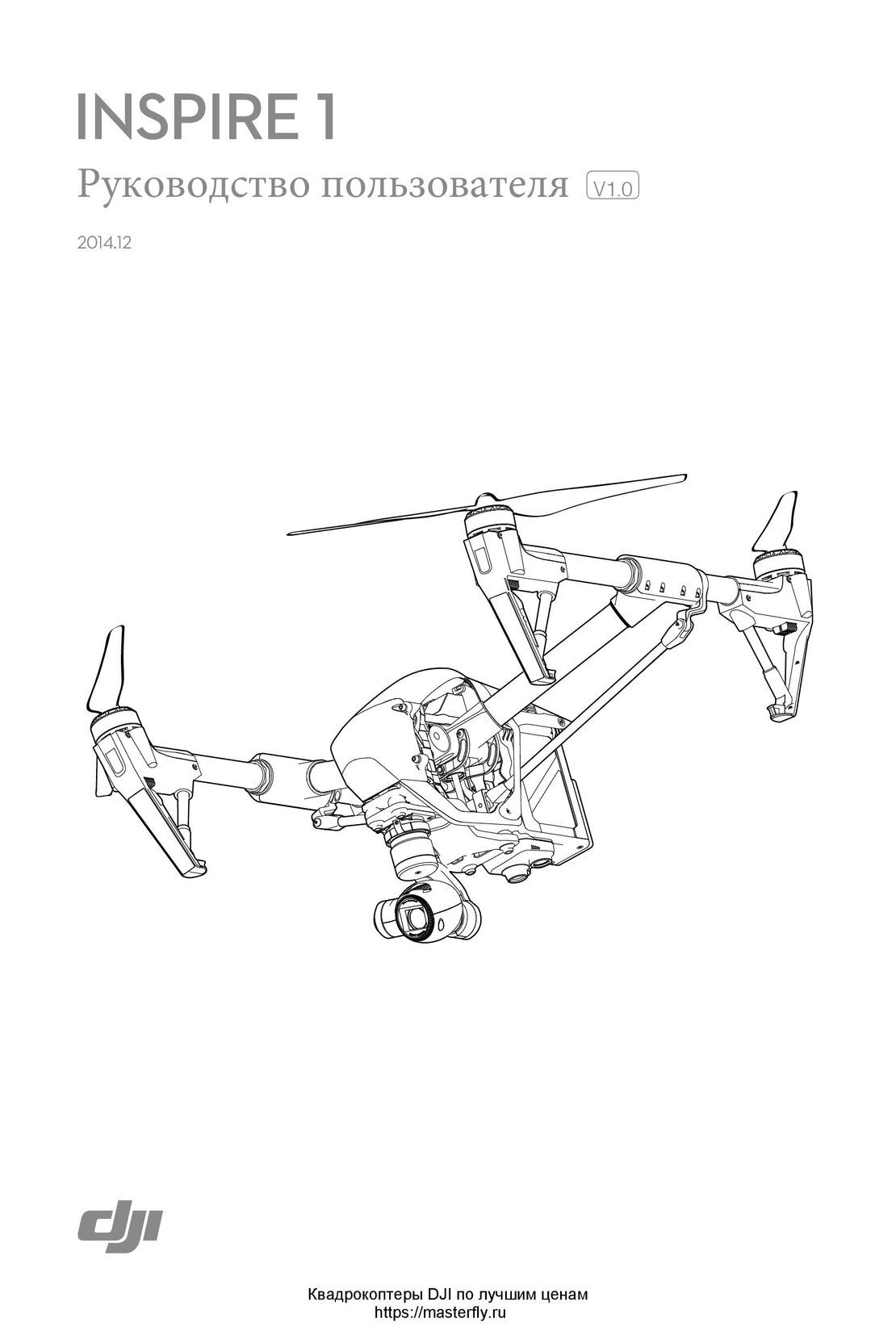 DJI Inspire 1 инструкция на русском