DJI Phantom 3 SE инструкция - страница 39
                                                                                                                                           Flight
                                                                                  Phantom 3 SE User Manual
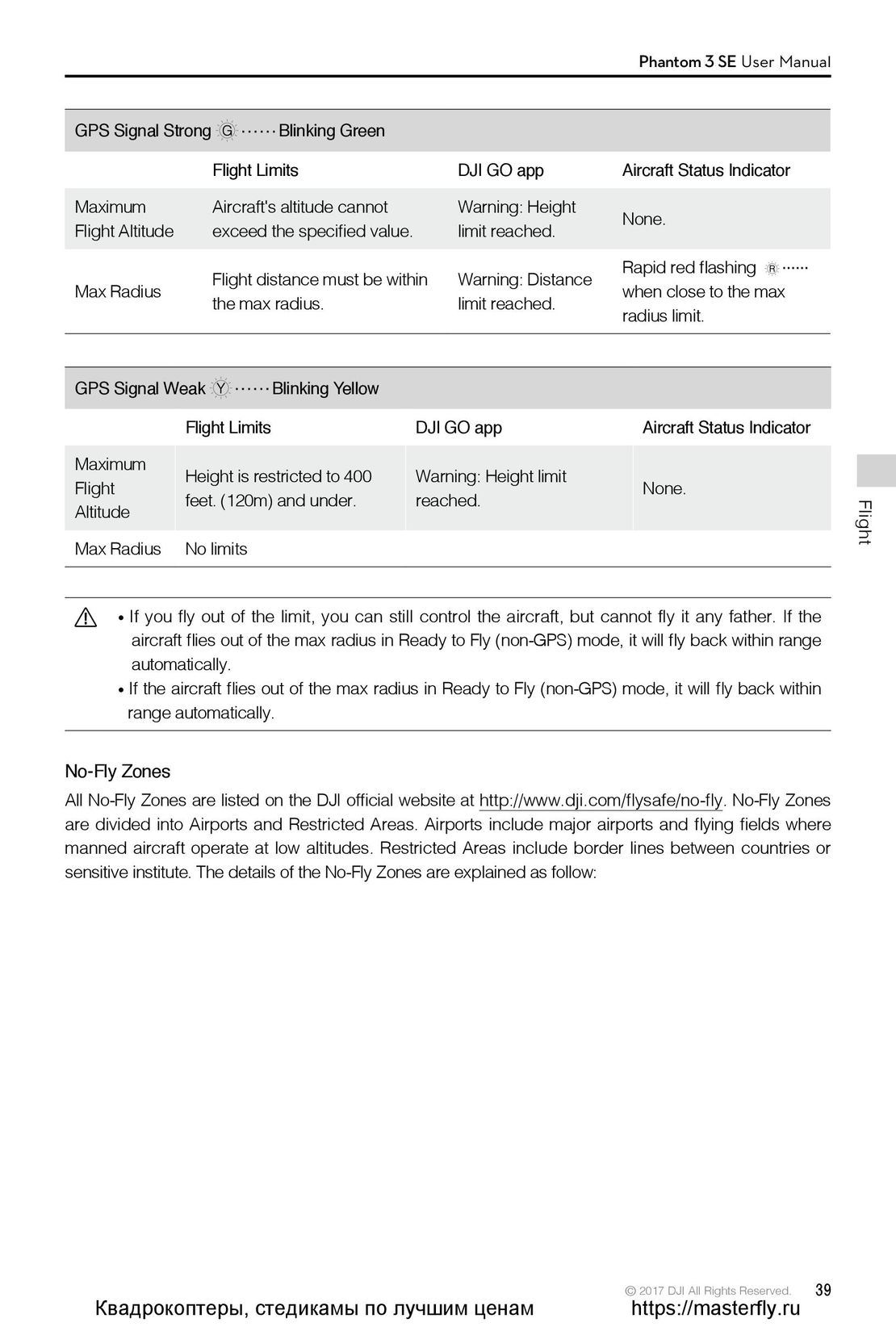
 GPS Signal Strong             Blinking Green
                     Flight Limits                     DJI GO app               Aircraft Status Indicator
 Maximum             Aircraft's altitude cannotFlight Altitudeexceed the specified value.Warning: Heightlimit reached.None.
 Max Radius          Flight distance must be withinthe max radius.Warning: Distancelimit reached.Rapid red flashingwhen close to the maxradius limit.
 GPS Signal Weak               Blinking Yellow
                 Flight Limits                    DJI GO app                      Aircraft Status Indicator
 MaximumFlightAltitudeHeight is restricted to 400feet. (120m) and under.Warning: Height limitreached.None.
 Max Radius      No limits
         If you fly out of the limit, you can still control the aircraft, but cannot fly it any father. If the
          aircraft flies out of the max radius in Ready to Fly (non-GPS) mode, it will fly back within range
          automatically.
         If the aircraft flies out of the max radius in Ready to Fly (non-GPS) mode, it will fly back within
         range automatically.
No-Fly Zones
All No-Fly Zones are listed on the DJI official website at http://www.dji.com/flysafe/no-fly. No-Fly Zones
are divided into Airports and Restricted Areas. Airports include major airports and flying fields where
manned aircraft operate at low altitudes. Restricted Areas include border lines between countries or
sensitive institute. The details of the No-Fly Zones are explained as follow:
                                                                               © 2017 DJI All Rights Reserved.    39
  Квадрокоптеры, стедикамы по лучшим ценам                                      https://masterfly.ru
 34
34 35
35 36
36 37
37 38
38 40
40 41
41 42
42 43
43 44
44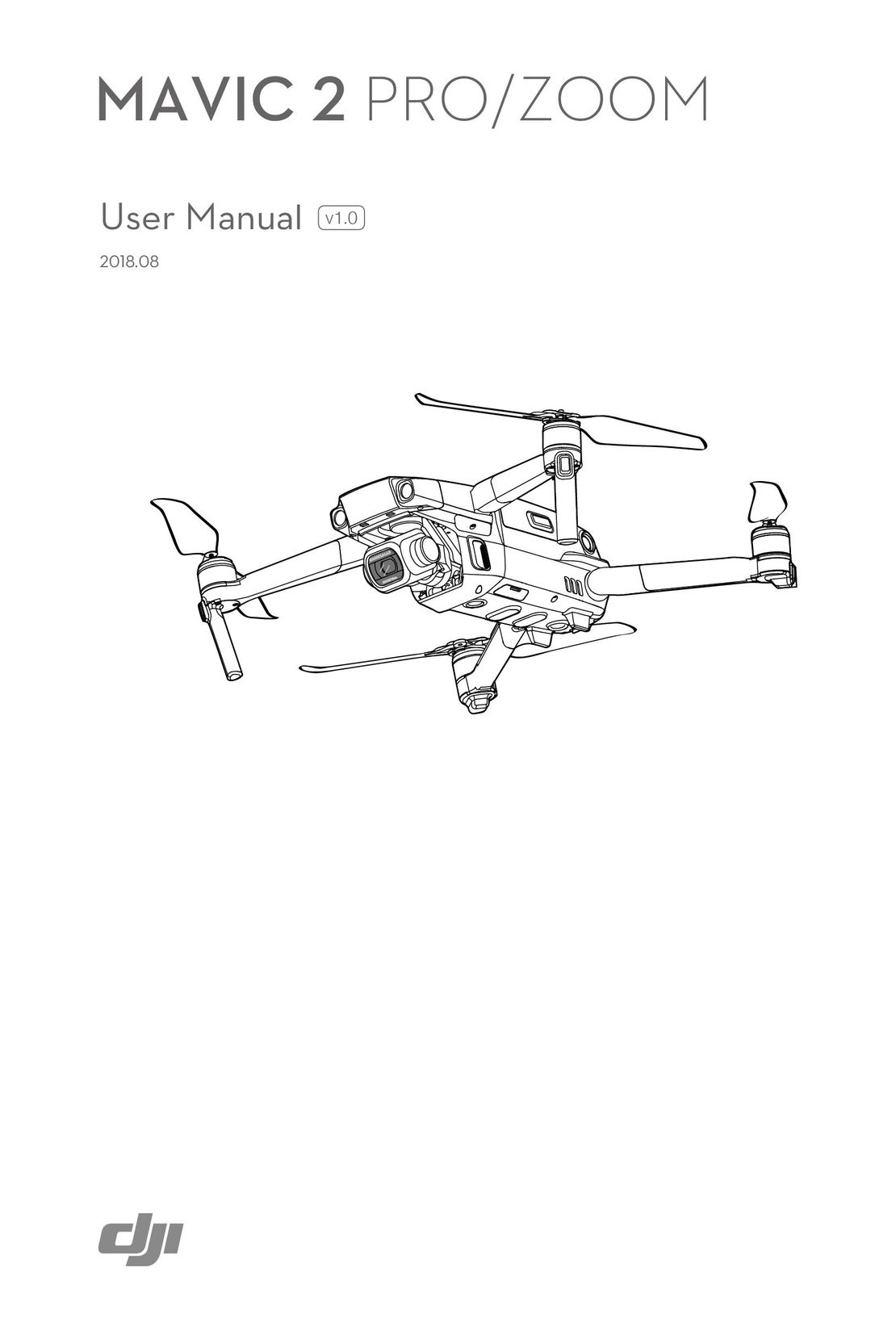 DJI Mavic 2 Pro и Zoom инструкция на английском
 DJI Phantom 3 Standard инструкция на русском
 Syma X8HW инструкция на русском
 DJI Mavic Air инструкция на русском
 DJI Spark инструкция на русском
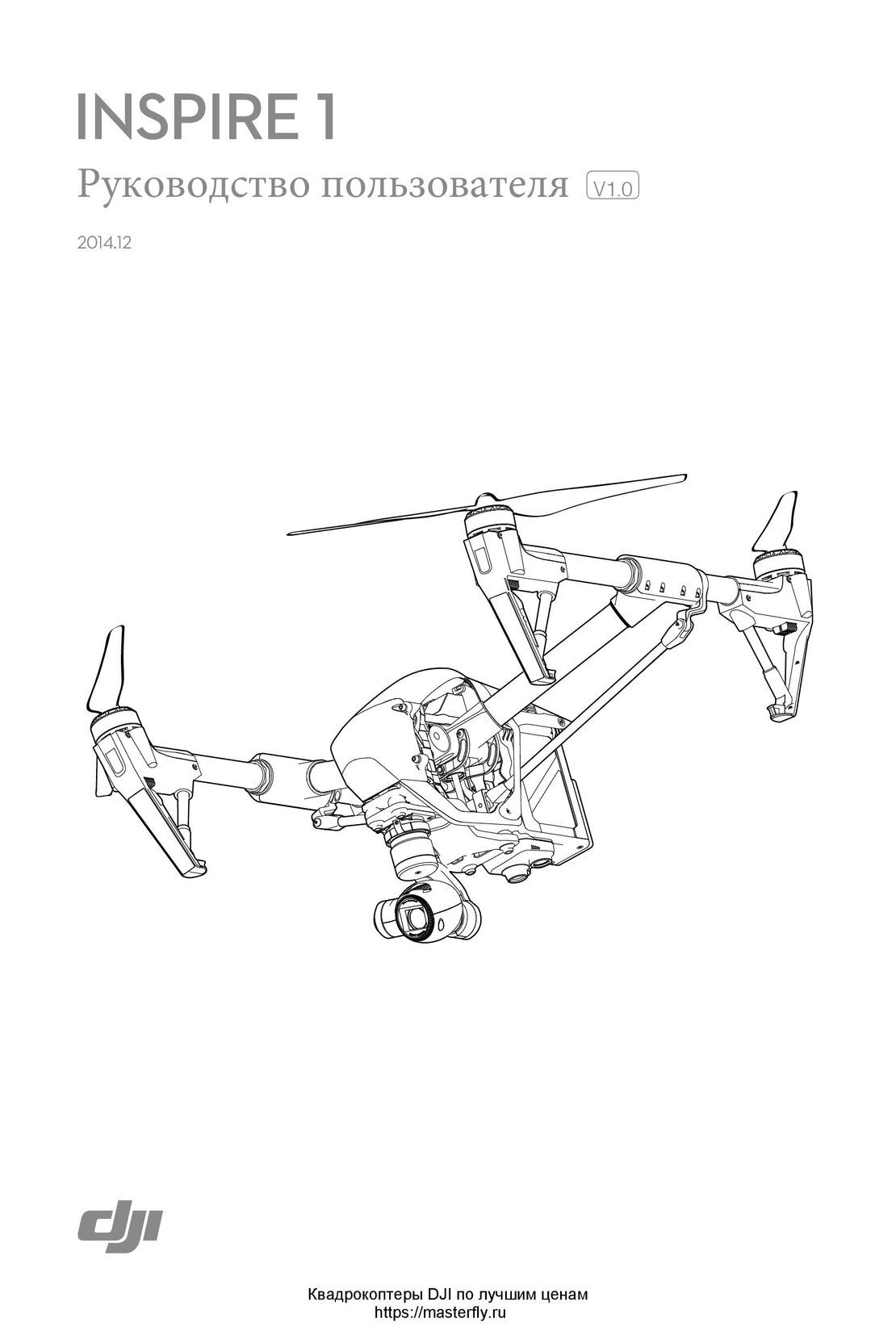 DJI Inspire 1 инструкция на русском
- Using this manual
- Legends
- Read Before the First Flight
- Download the DJI GO App
- Product Profile
- Introduction
- Feature Highlights
- Preparing the Aircraft
- Aircraft Diagram
- Remote Controller Diagram
- Aircraft
- Flight Controller
- Flight Mode
- Flight Status Indicator
- Return-to-Home (RTH)
- Smart RTH
- Low Battery RTH
- Failsafe RTH
- Vision Positioning System
- Flight Recorder
- Attaching and Detaching the Propellers
- DJI Intelligent Flight Battery
- Remote Controller
- Remote Controller Profile
- Using the Remote Controller
- Linking the Remote Controller
- Remote Controller Compliance Version
- Camera and Gimbal
- Camera Profile
- Gimbal
- DJI GO App
- Equipment
- Editor
- SkyPixel
- Me
- Flight
- Flight Environment Requirements
- Flight Limits and No-Fly Zones
- Preflight Checklist
- Calibrating the Compass
- Auto Takeoff and Auto Landing
- Flight Test
- Starting/Stopping the Motors
- Appendix
- Specifications
- Firmwares Update
- Intelligent Flight Mode
- After-Sales Information