DJI Phantom 3 SE инструкция - страница 14
                    Aircraft
           Phantom 3 SE User Manual
                         When Critical battery level warning is triggered and the aircraft begins to land automatically,
                         you may push the throttle upward to make the aircraft hover at its current altitude, giving you an
                         opportunity to navigate to a more appropriate landing location.
                          The colored zones and markers on the battery level indicator bar reflect the estimated
                         remaining flight time. They are automatically adjusted according to the aircraft’s current location
                         and status.
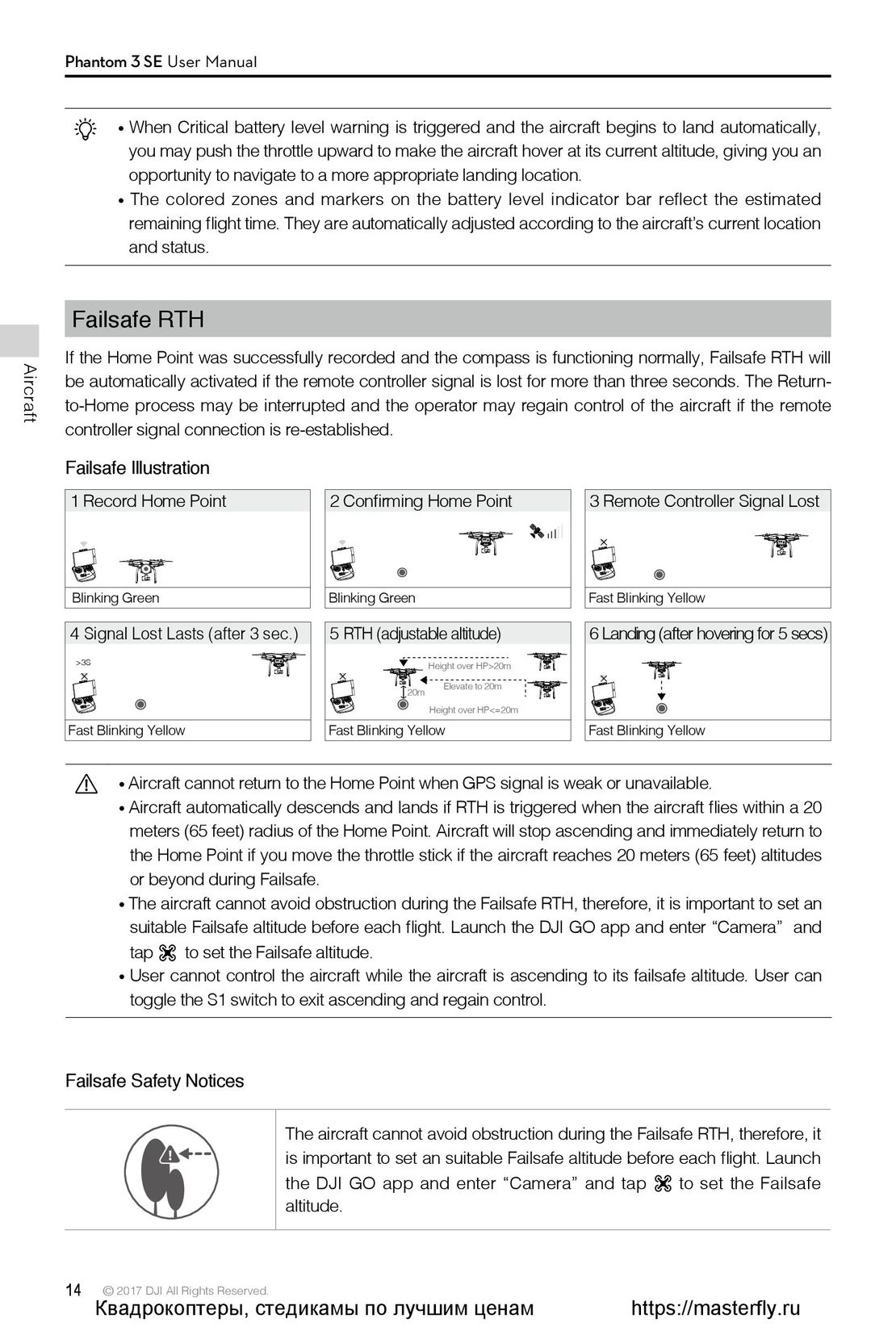
           Failsafe RTH
           If the Home Point was successfully recorded and the compass is functioning normally, Failsafe RTH will
           be automatically activated if the remote controller signal is lost for more than three seconds. The Return-
           to-Home process may be interrupted and the operator may regain control of the aircraft if the remote
           controller signal connection is re-established.
           Failsafe Illustration
            1 Record Home Point                              2 Confirming Home Point                                      3 Remote Controller Signal Lost
                                                                                                                              ×
             Blinking Green                                    Blinking Green                                                Fast Blinking Yellow
            4 Signal Lost Lasts (after 3 sec.)               5 RTH (adjustable altitude)                                  6 Landing (after hovering for 5 secs)
                  >3S                                                                          Height over HP>20m
              ×                                                 ×                                                             ×
                                                                                          20m     Elevate to 20m
                                                                                               Height over HP<=20m
             Fast Blinking Yellow                              Fast Blinking Yellow                                          Fast Blinking Yellow
                         Aircraft cannot return to the Home Point when GPS signal is weak or unavailable.
                         Aircraft automatically descends and lands if RTH is triggered when the aircraft flies within a 20
                          meters (65 feet) radius of the Home Point. Aircraft will stop ascending and immediately return to
                          the Home Point if you move the throttle stick if the aircraft reaches 20 meters (65 feet) altitudes
                          or beyond during Failsafe.
                         The aircraft cannot avoid obstruction during the Failsafe RTH, therefore, it is important to set an
                          suitable Failsafe altitude before each flight. Launch the DJI GO app and enter “Camera”                                          and
                          tap    to set the Failsafe altitude.
                          User cannot control the aircraft while the aircraft is ascending to its failsafe altitude. User can
                          toggle the S1 switch to exit ascending and regain control.
           Failsafe Safety Notices
                                                        The aircraft cannot avoid obstruction during the Failsafe RTH, therefore, it
20米                                                     is important to set an suitable Failsafe altitude before each flight. Launch
H                                                       the DJI GO app and enter “Camera” and tap                                      to set the Failsafe
                                                        altitude.
          14           © 2017 DJI All Rights Reserved.
                      Квадрокоптеры, стедикамы по лучшим ценам                                                                   https://masterfly.ru
 9
9 10
10 11
11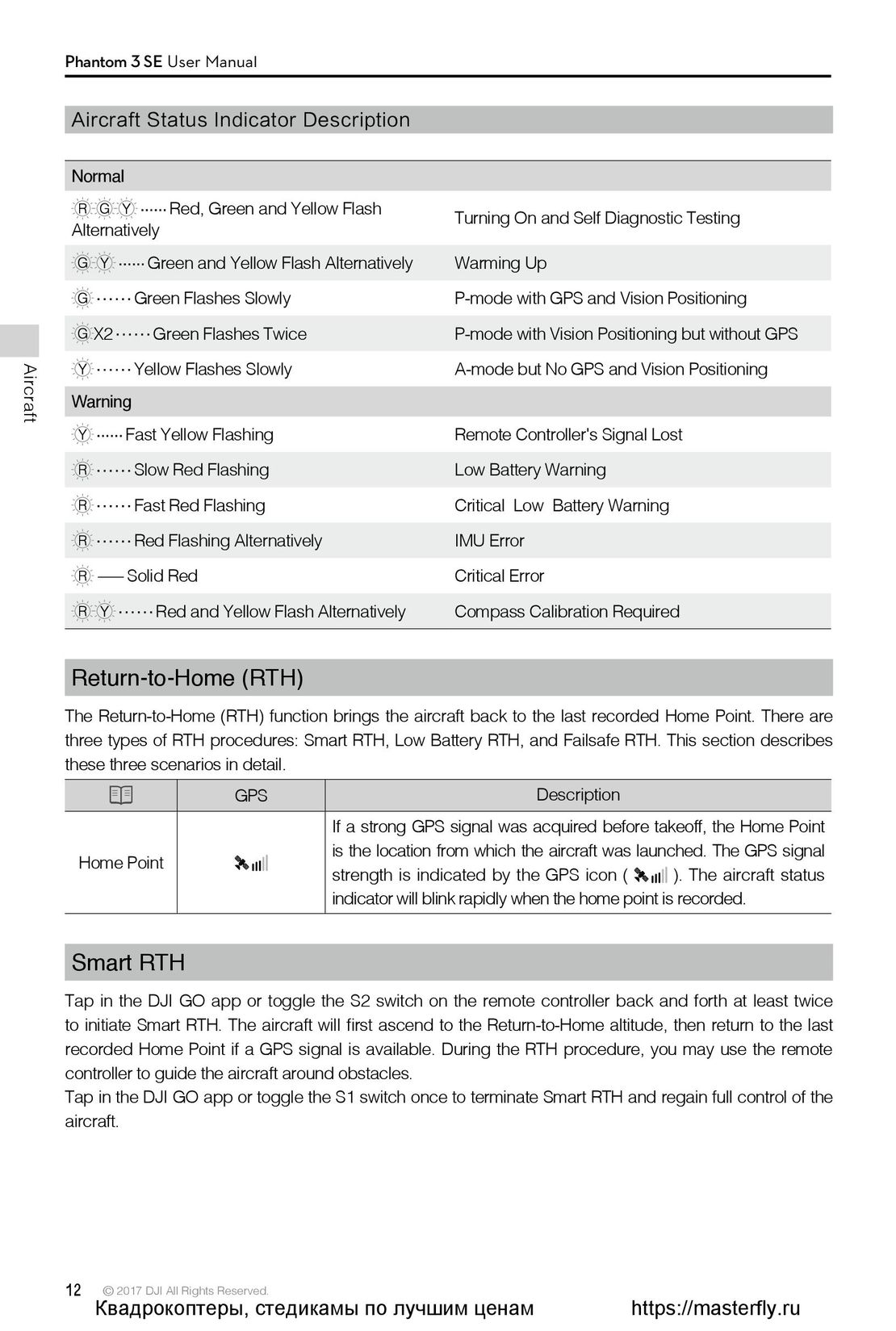 12
12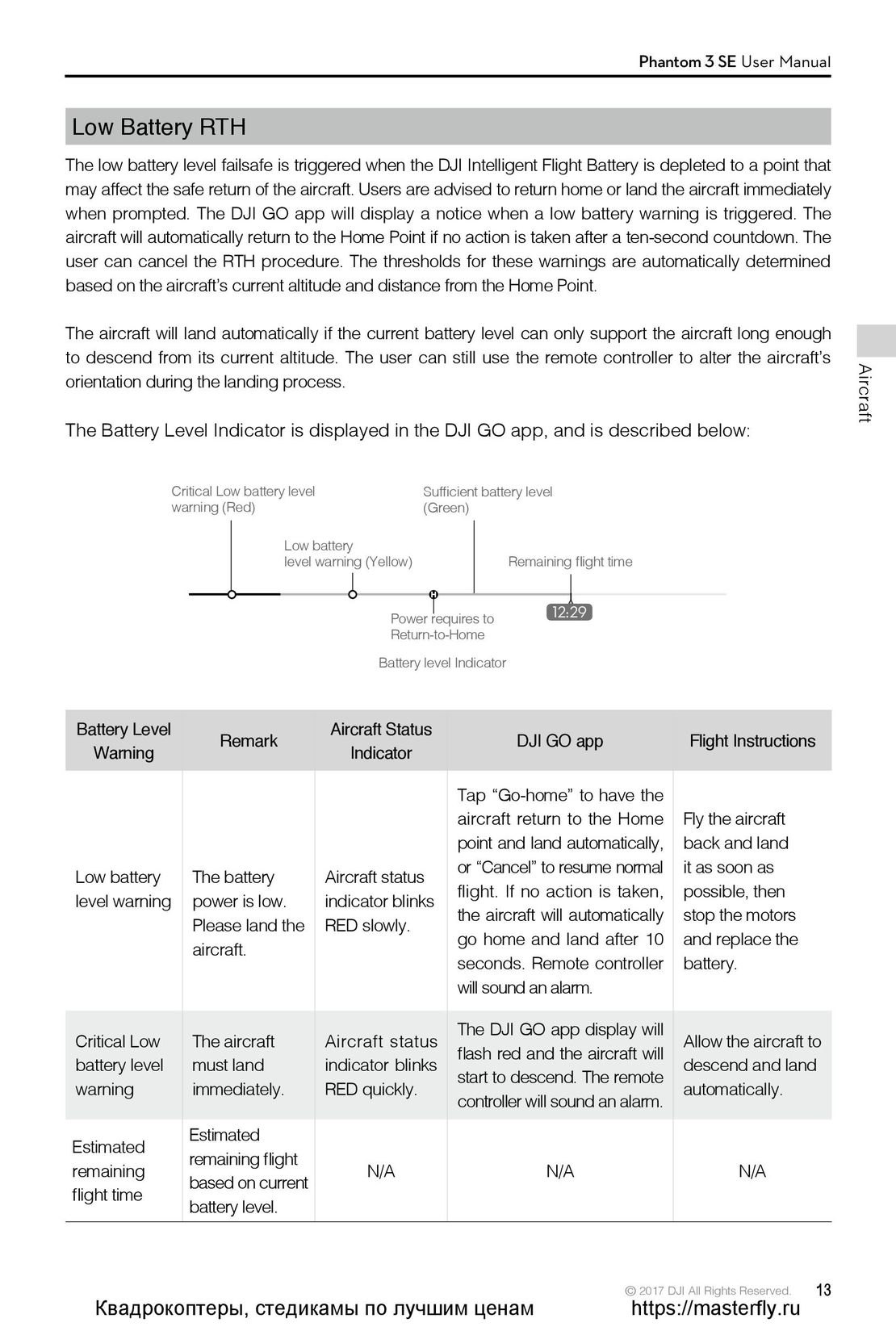 13
13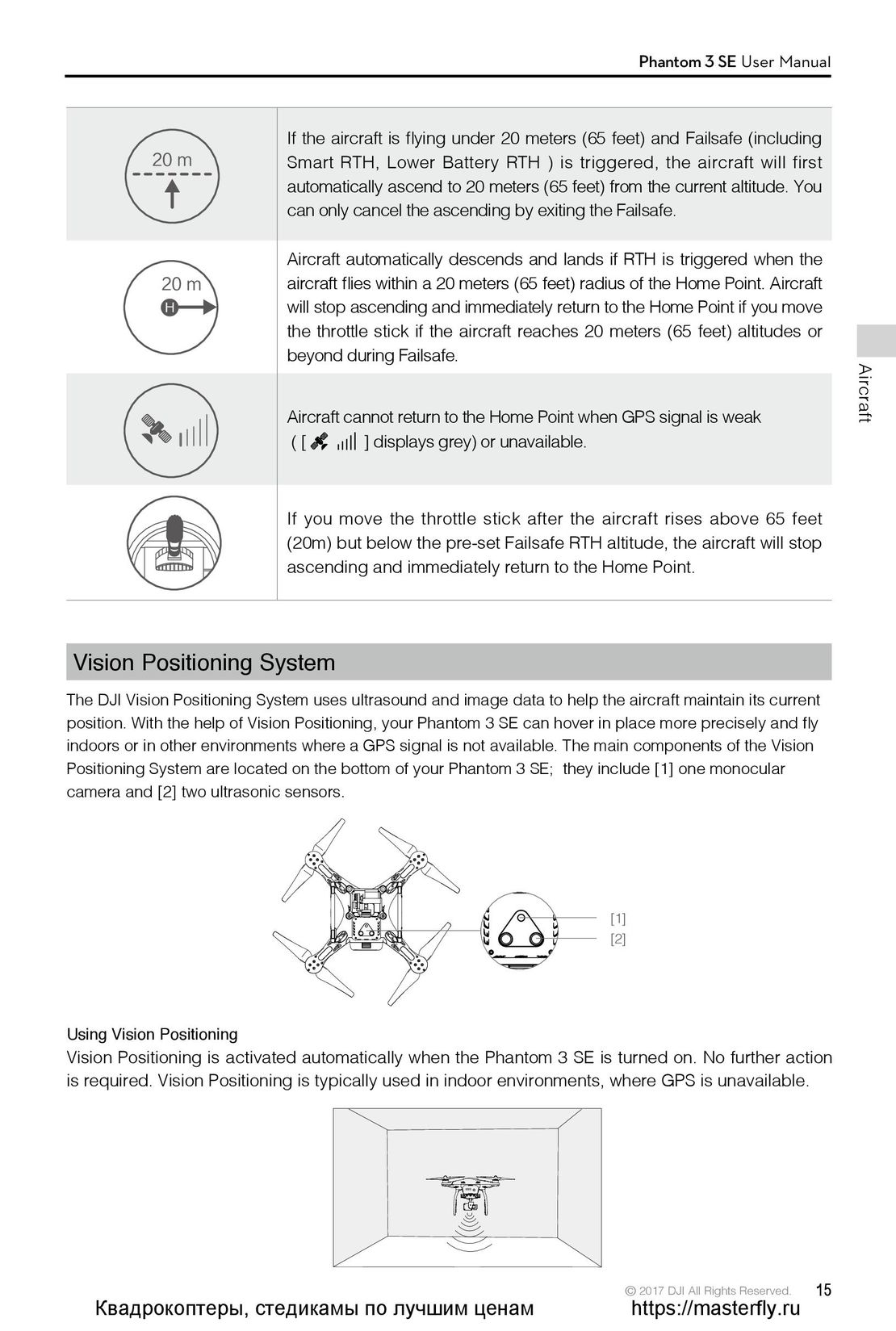 15
15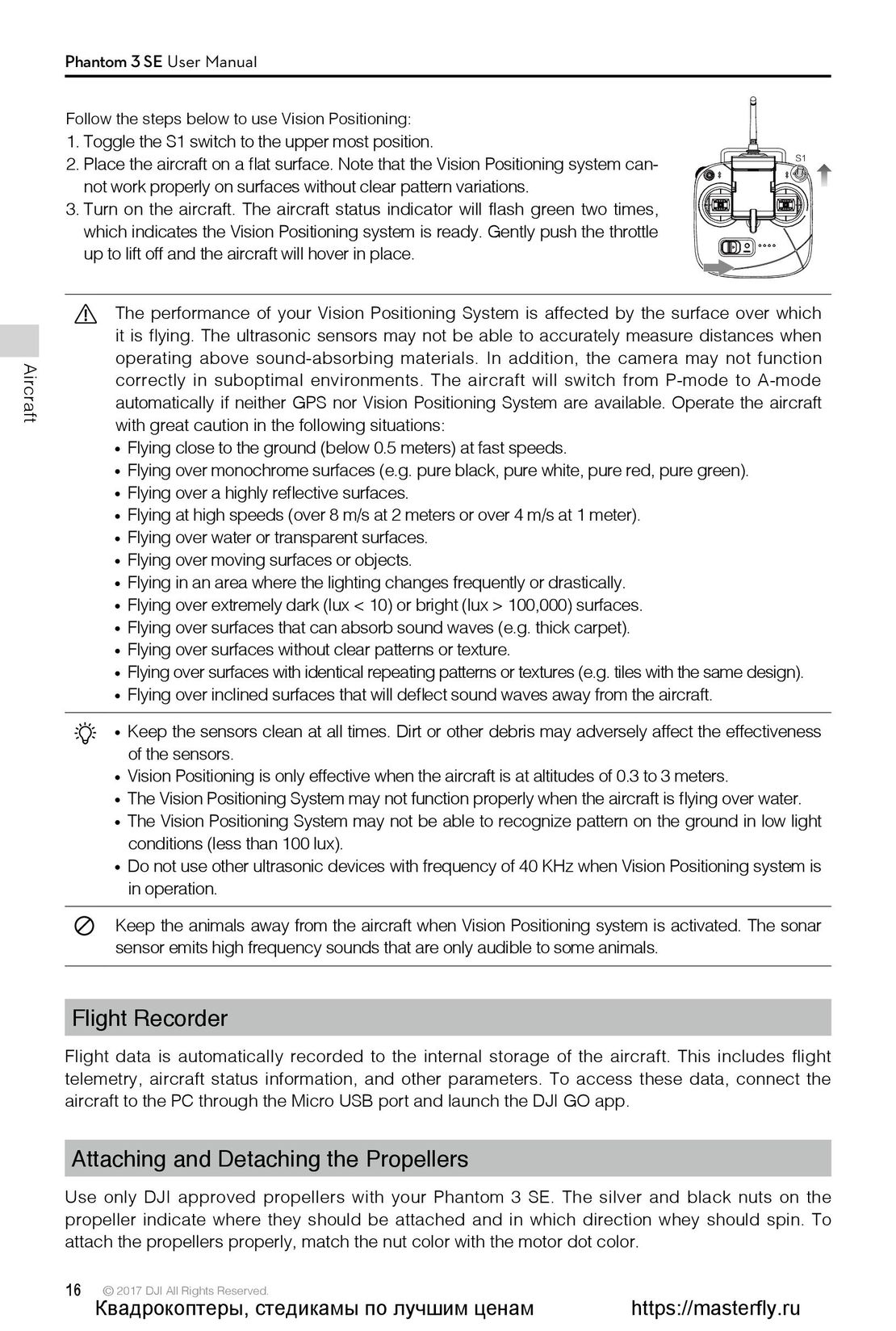 16
16 17
17 18
18 19
19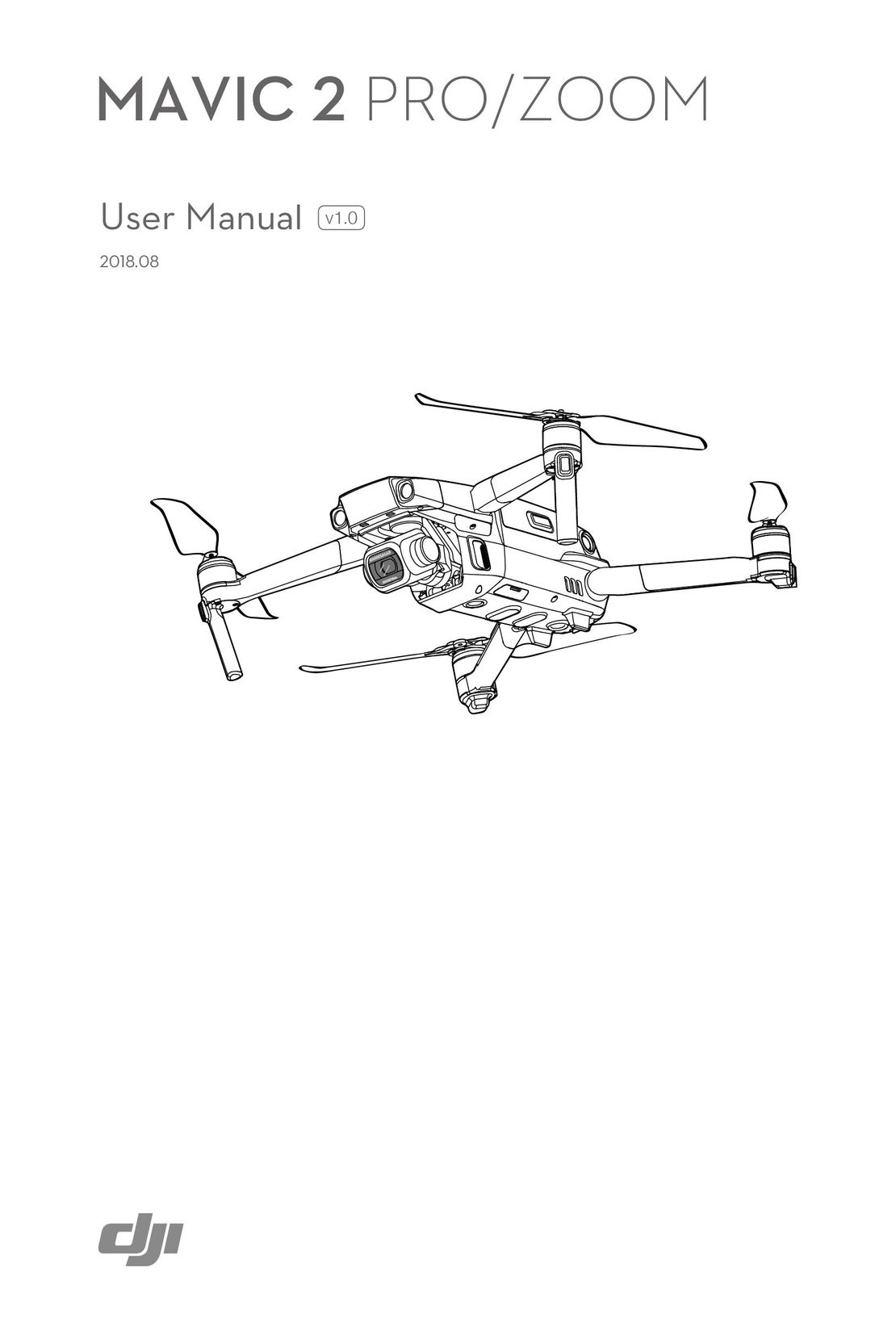 DJI Mavic 2 Pro и Zoom инструкция на английском
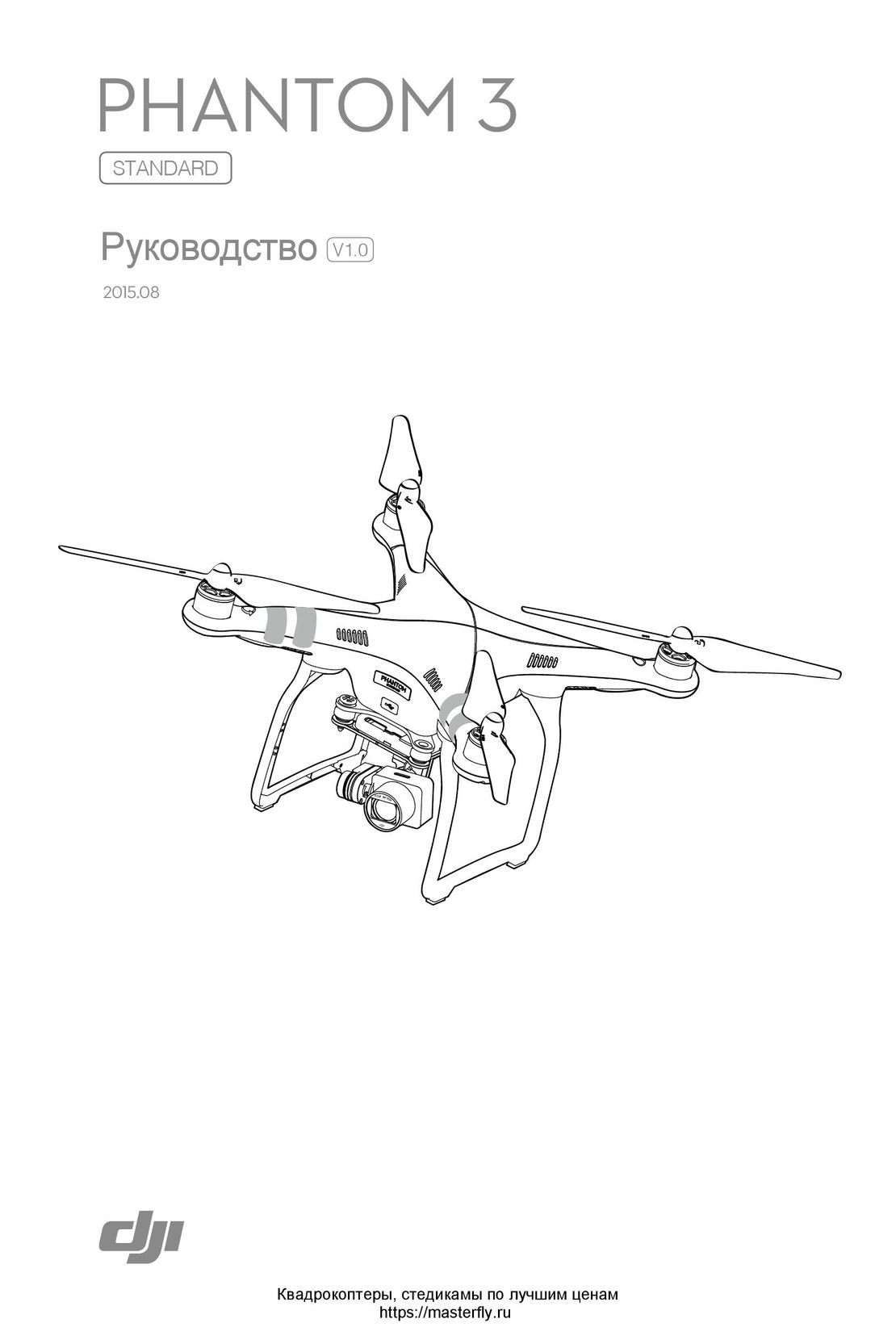 DJI Phantom 3 Standard инструкция на русском
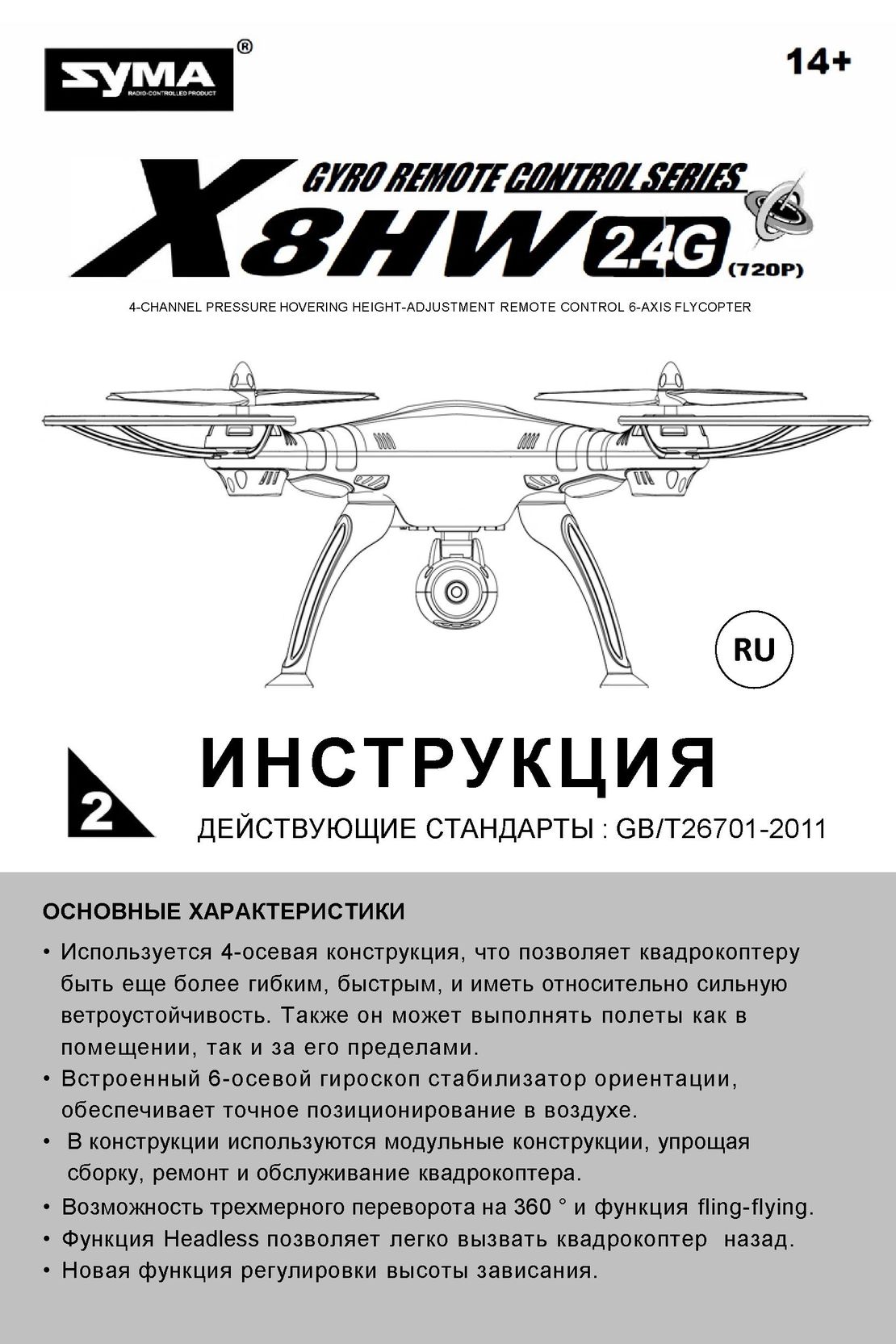 Syma X8HW инструкция на русском
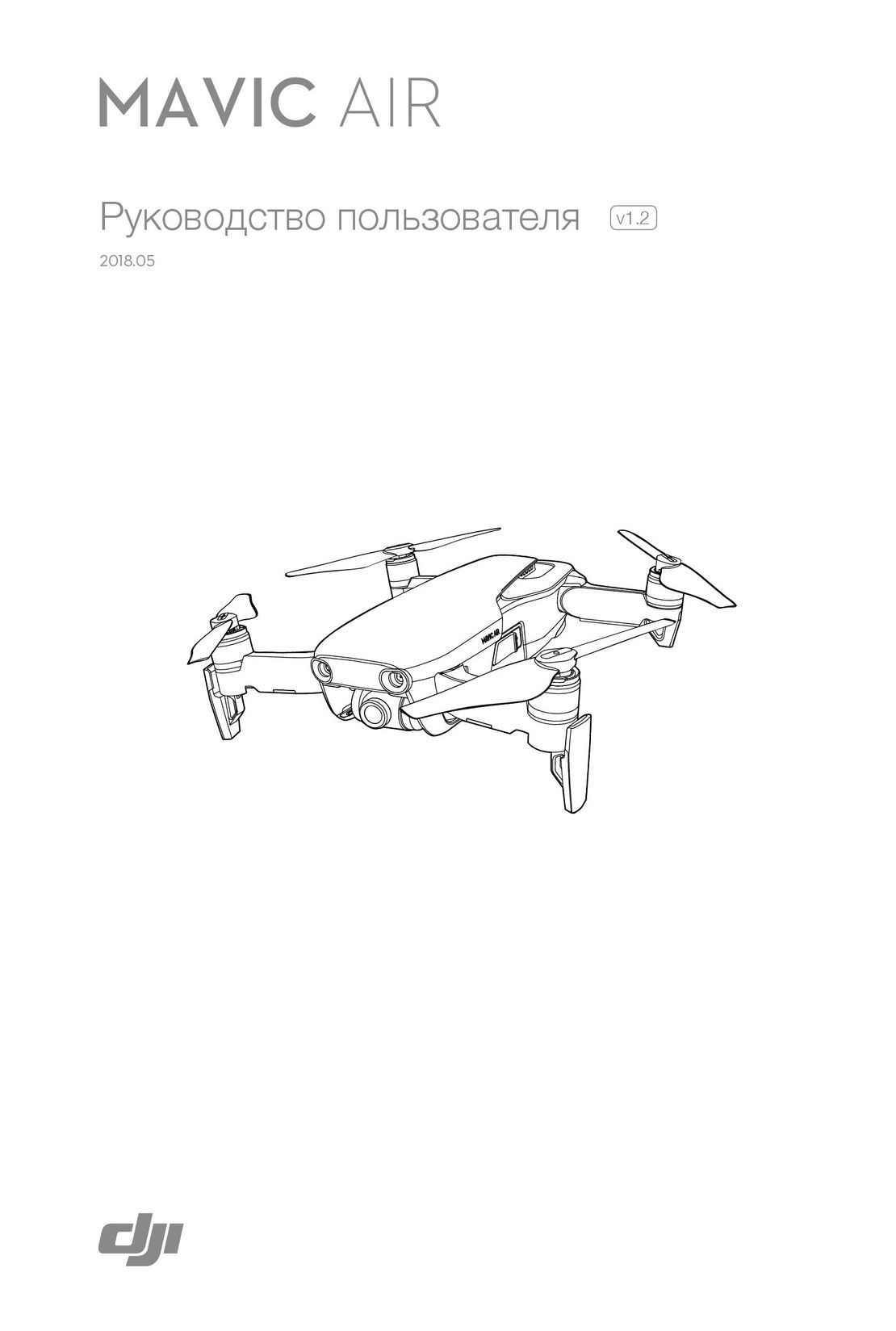 DJI Mavic Air инструкция на русском
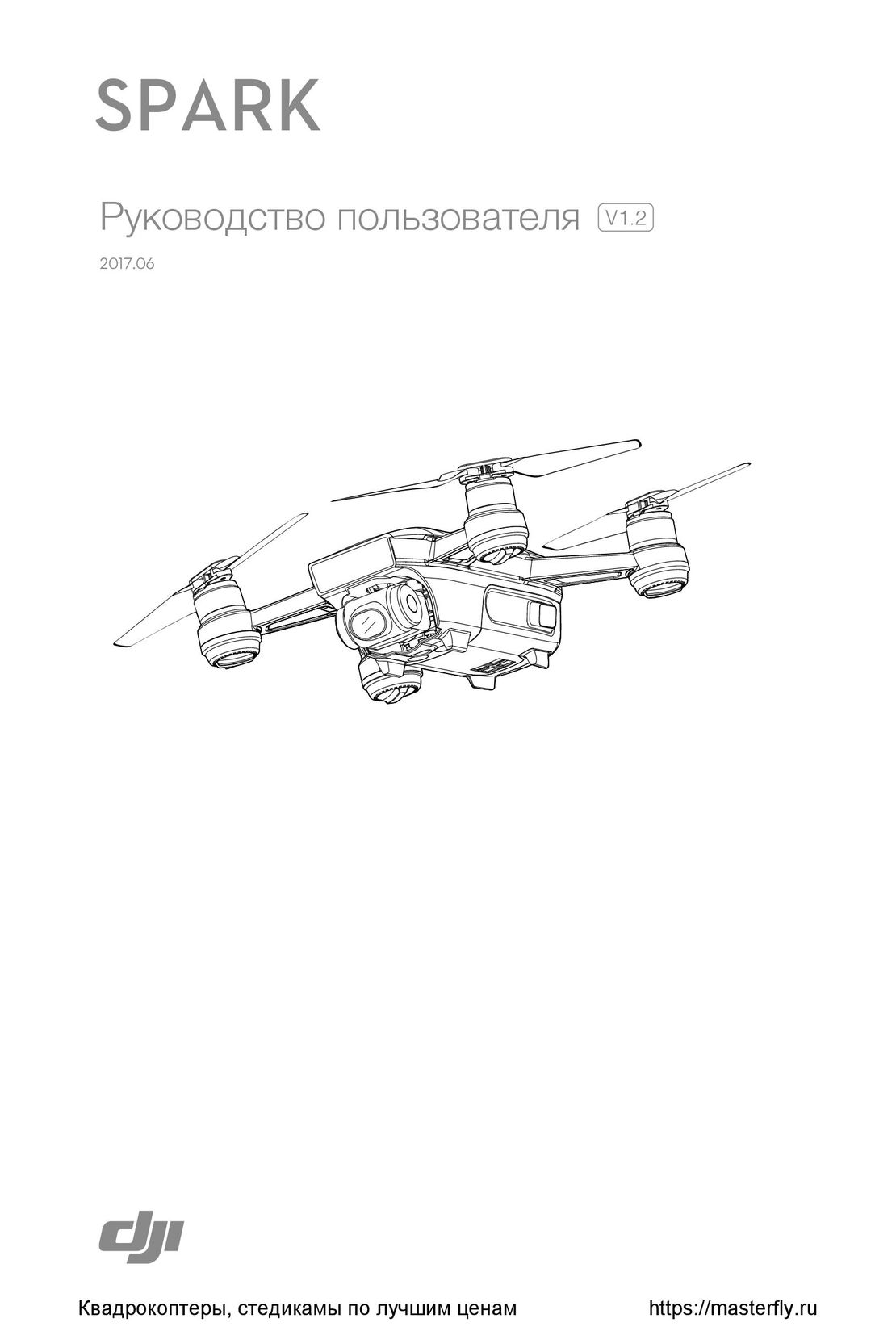 DJI Spark инструкция на русском
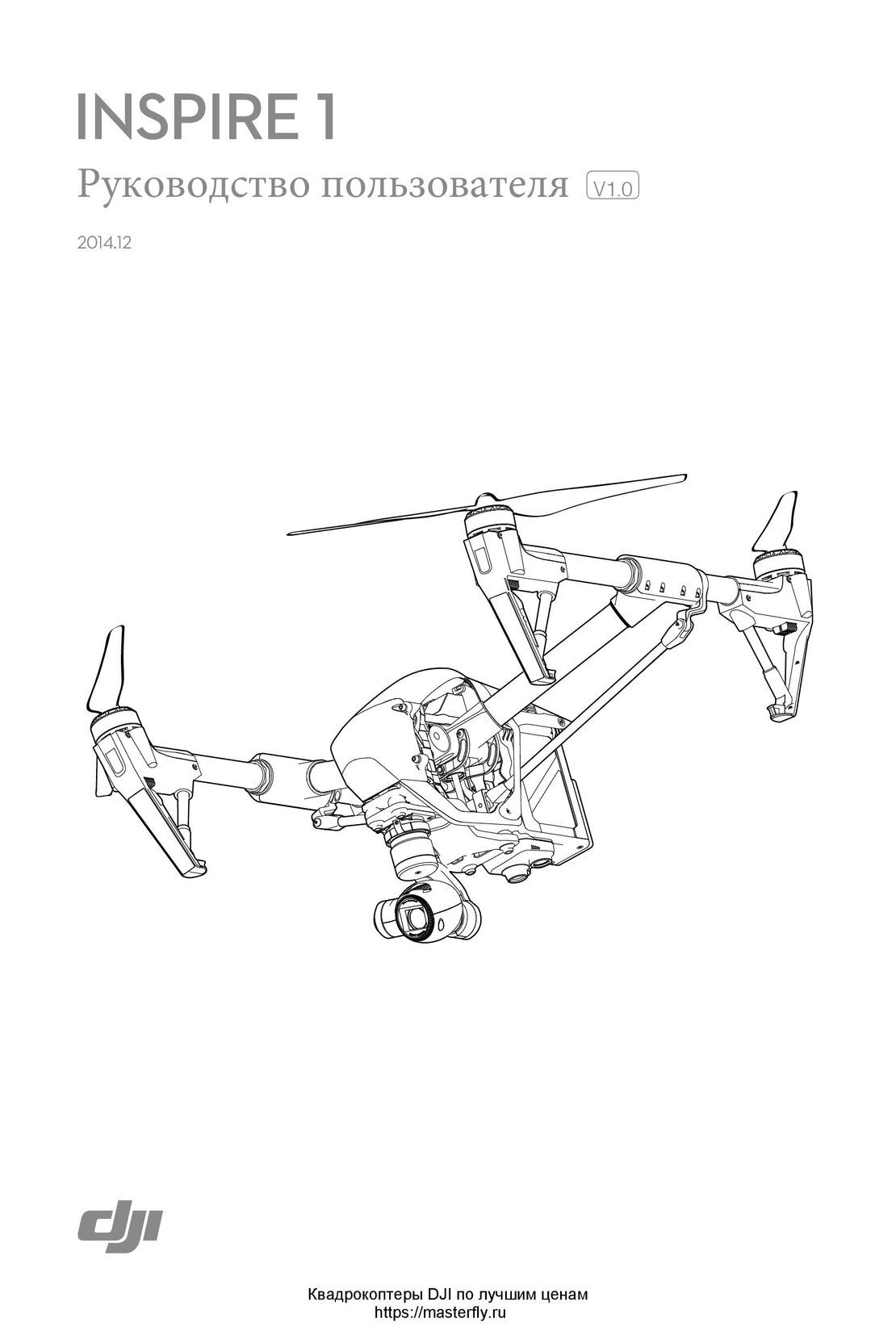 DJI Inspire 1 инструкция на русском
- Using this manual
- Legends
- Read Before the First Flight
- Download the DJI GO App
- Product Profile
- Introduction
- Feature Highlights
- Preparing the Aircraft
- Aircraft Diagram
- Remote Controller Diagram
- Aircraft
- Flight Controller
- Flight Mode
- Flight Status Indicator
- Return-to-Home (RTH)
- Smart RTH
- Low Battery RTH
- Failsafe RTH
- Vision Positioning System
- Flight Recorder
- Attaching and Detaching the Propellers
- DJI Intelligent Flight Battery
- Remote Controller
- Remote Controller Profile
- Using the Remote Controller
- Linking the Remote Controller
- Remote Controller Compliance Version
- Camera and Gimbal
- Camera Profile
- Gimbal
- DJI GO App
- Equipment
- Editor
- SkyPixel
- Me
- Flight
- Flight Environment Requirements
- Flight Limits and No-Fly Zones
- Preflight Checklist
- Calibrating the Compass
- Auto Takeoff and Auto Landing
- Flight Test
- Starting/Stopping the Motors
- Appendix
- Specifications
- Firmwares Update
- Intelligent Flight Mode
- After-Sales Information