DJI Mavic 2 Pro и Zoom инструкция на английском - страница 14
                    Mavic 2 Pro/Zoom User Manual
Aircraft LEDs and Status Indicator
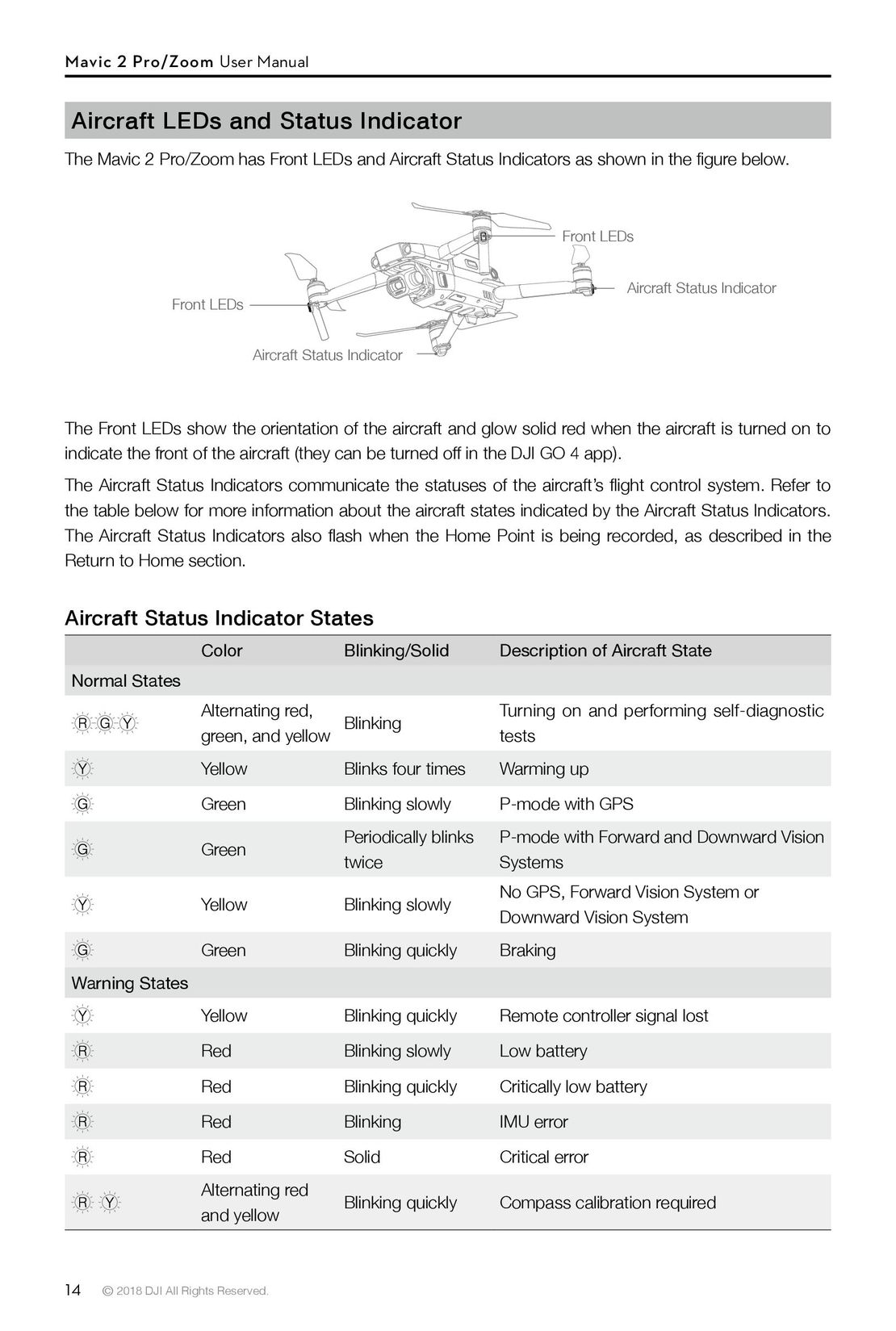
The Mavic 2 Pro/Zoom has Front LEDs and Aircraft Status Indicators as shown in the figure below.
                                                                            Front LEDs
                                                                                      Aircraft Status Indicator
              Front LEDs
                         Aircraft Status Indicator
The Front LEDs show the orientation of the aircraft and glow solid red when the aircraft is turned on to
indicate the front of the aircraft (they can be turned off in the DJI GO 4 app).
The Aircraft Status Indicators communicate the statuses of the aircraft’s flight control system. Refer to
the table below for more information about the aircraft states indicated by the Aircraft Status Indicators.
The Aircraft Status Indicators also flash when the Home Point is being recorded, as described in the
Return to Home section.
Aircraft Status Indicator States
                Color                        Blinking/Solid        Description of Aircraft State
Normal States
                Alternating red,             Blinking              Turning on and performing self-diagnostic
                green, and yellow                                  tests
                Yellow                       Blinks four times     Warming up
                Green                        Blinking slowly       P-mode with GPS
                Green                        Periodically blinks   P-mode with Forward and Downward Vision
                                             twice                 Systems
                Yellow                       Blinking slowly       No GPS, Forward Vision System orDownward Vision System
                Green                        Blinking quickly      Braking
Warning States
                Yellow                       Blinking quickly      Remote controller signal lost
                Red                          Blinking slowly       Low battery
                Red                          Blinking quickly      Critically low battery
                Red                          Blinking              IMU error
                Red                          Solid                 Critical error
                Alternating red              Blinking quickly      Compass calibration required
                and yellow
14   © 2018 DJI All Rights Reserved.
 9
9 10
10 11
11 12
12 13
13 15
15 16
16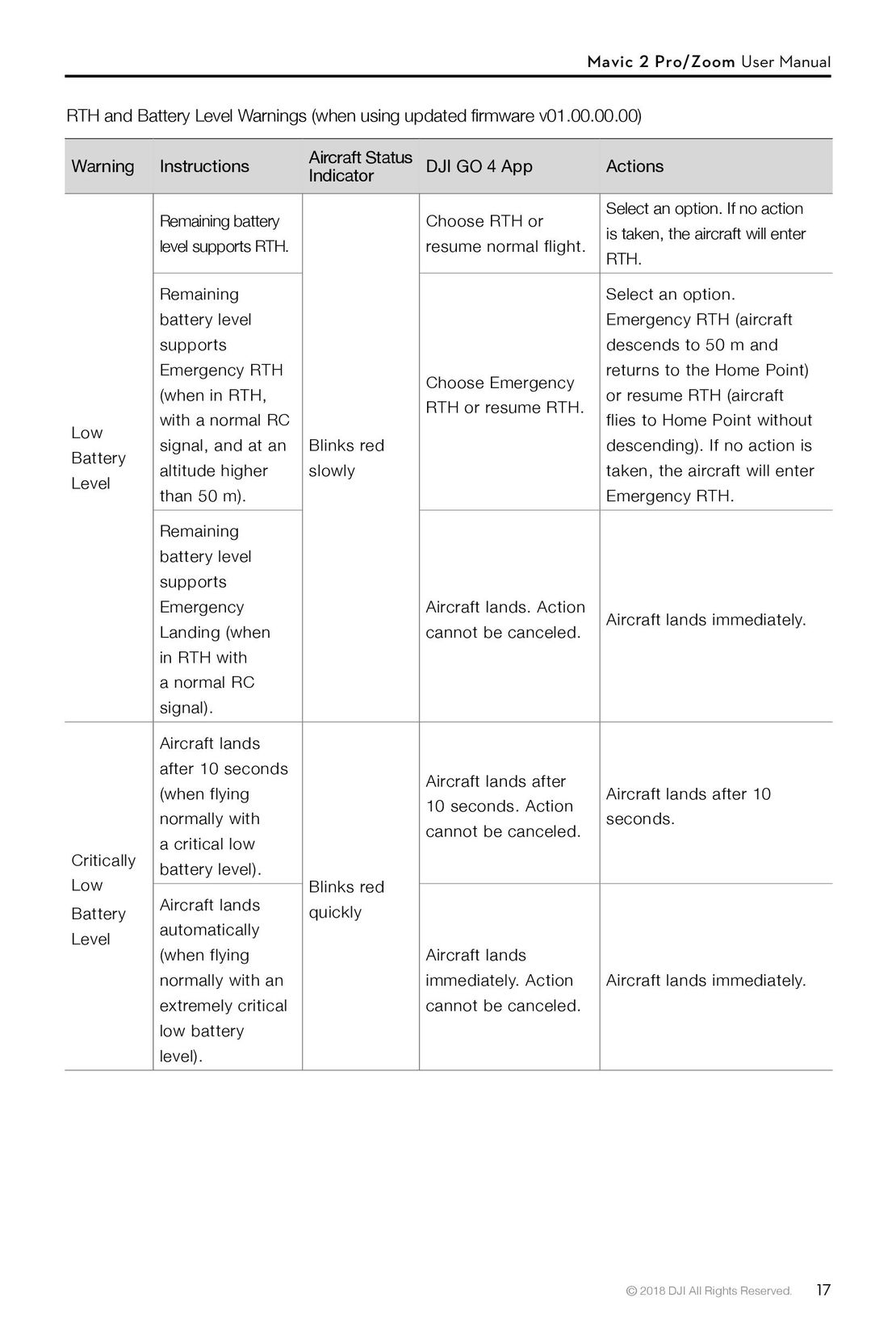 17
17 18
18 19
19 DJI Phantom 3 Standard инструкция на русском
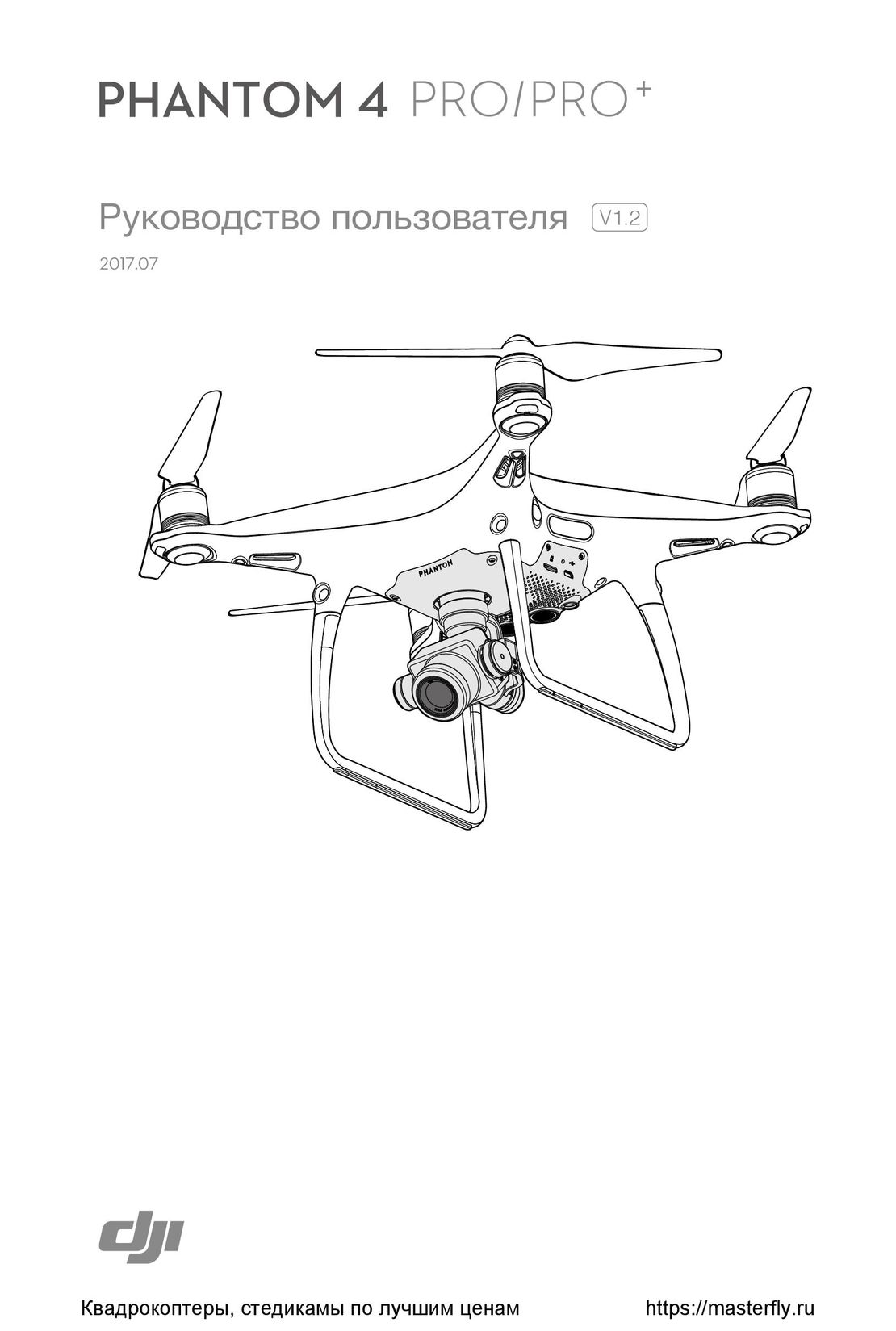 DJI Phantom 4 Pro Plus инструкция на русском
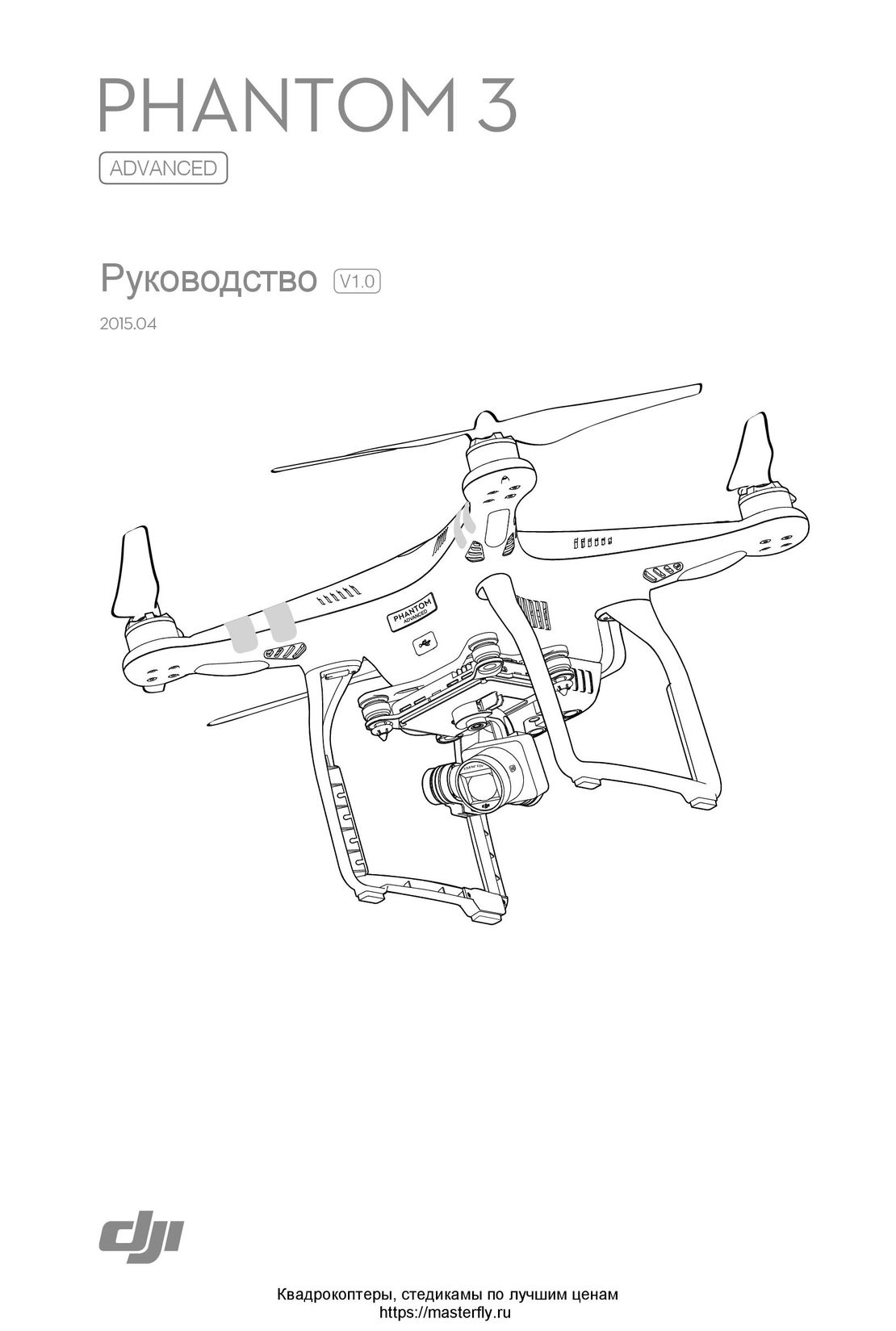 DJI Phantom 3 Advanced инструкция на русском
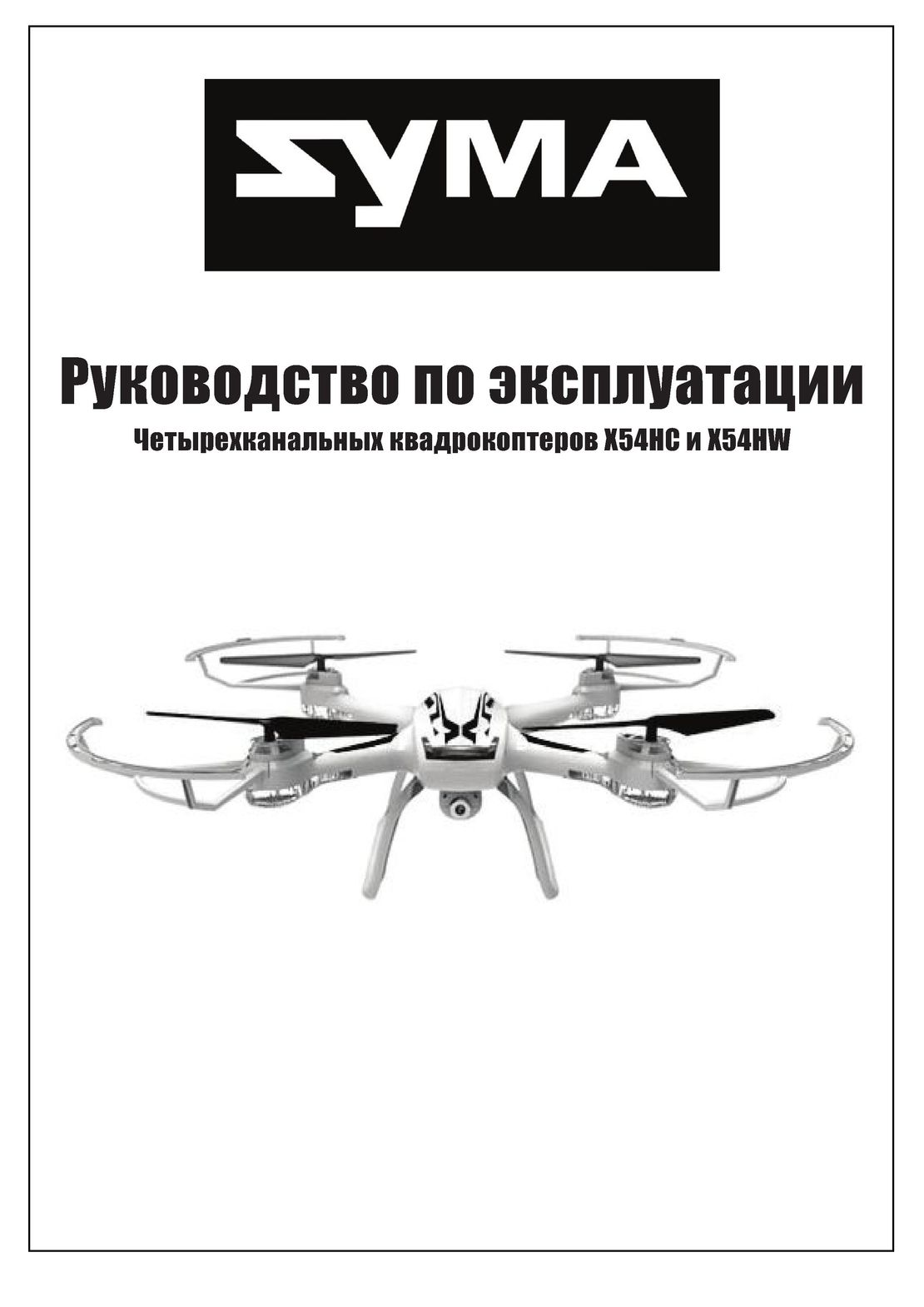 Syma X54HW X54HC инструкция на русском
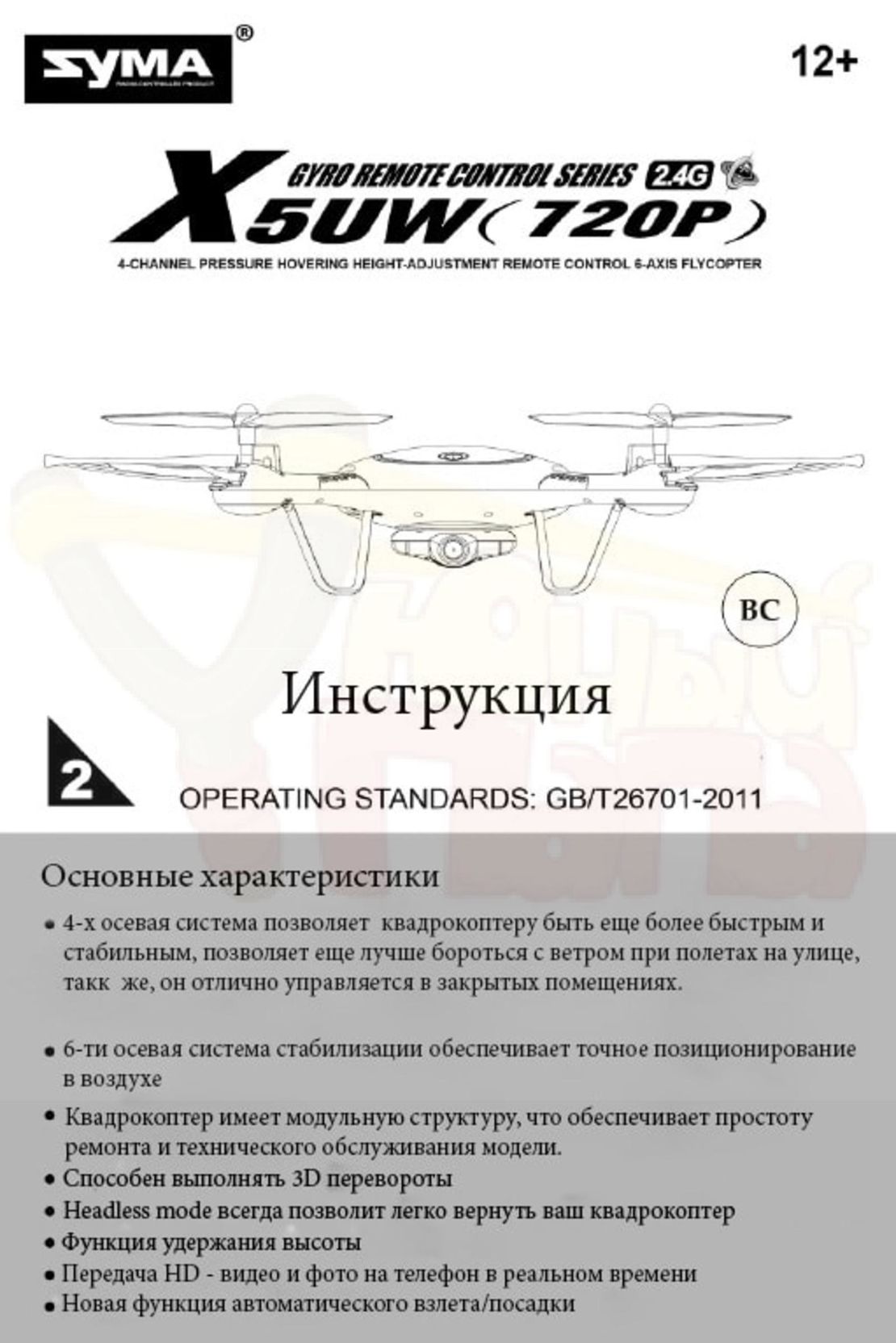 Syma X5UW инструкция на русском
 DJI Mavic Pro и Pro Platinum инструкция на русском
- Using This Manual
- Legend
- Read Before the First Flight
- Video Tutorials
- Download the DJI GO 4 App
- Download DJI Assistant 2
- Product Profile
- Introduction
- Preparing the Mavic 2 Pro/Zoom
- Preparing the Remote Controller
- Aircraft Diagram
- Activation
- Aircraft
- Flight Modes
- Aircraft LEDs and Status Indicator
- Return to Home
- Vision Systems and Infrared Sensing Systems
- Intelligent Flight Modes
- Advanced Pilot Assistance Systems
- Flight Recorder
- Attaching and Detaching the Propellers
- Intelligent Flight Battery
- Gimbal and Camera
- Remote Controller
- Using the Remote Controller
- Dual Remote Controller Mode (Coming soon)
- Linking the Remote Controller
- DJI GO 4 App
- Equipment
- Editor
- SkyPixel
- Me
- Flight
- Flight Environment Requirements
- Flight Limits and GEO Zones
- Pre-Flight Checklist
- Auto Takeoff/Landing
- Starting/Stopping the Motors
- Test Flight
- Appendix
- Specifications
- Calibrating the Compass
- Firmware Updates
- Remote Controller LCD Screen Menu Information