DJI Mavic 2 Pro и Zoom инструкция на английском - страница 11
                                                                                        Mavic 2 Pro/Zoom User Manual
   AC Power Adapter to charge the remote controller          Zoom Adjustment Dial (Mavic 2 Zoom)
   battery.                                                  Turn to adjust the zoom of the Mavic 2
15. Record Button                                            Zoom camera.
   Press to start recording video. Press again to stop    18. C2 Button (Customizable)
   recording.                                                The  default configuration is playback.
16. Focus/Shutter Button                                     Adjust the   configuration in DJI GO             4
   Press halfway to autofocus. Press once to take            based on your preferences.
   photos according to the mode selected in the DJI
   GO 4.
17. Aperture/Shutter Adjustment Dial (Mavic 2 Pro)
   Turn the dial to adjust the exposure compensation
   (when in P-mode), aperture (when in Aperture
   Priority and Manual mode), or shutter (when in
   S-mode).
Activation
The Mavic 2 Pro/Zoom requires activation before first time use. Follow the onscreen guide to activate
the Mavic 2 Pro/Zoom using DJI GO 4.
                                                                          © 2018 DJI All Rights Reserved.    11
 6
6 7
7 8
8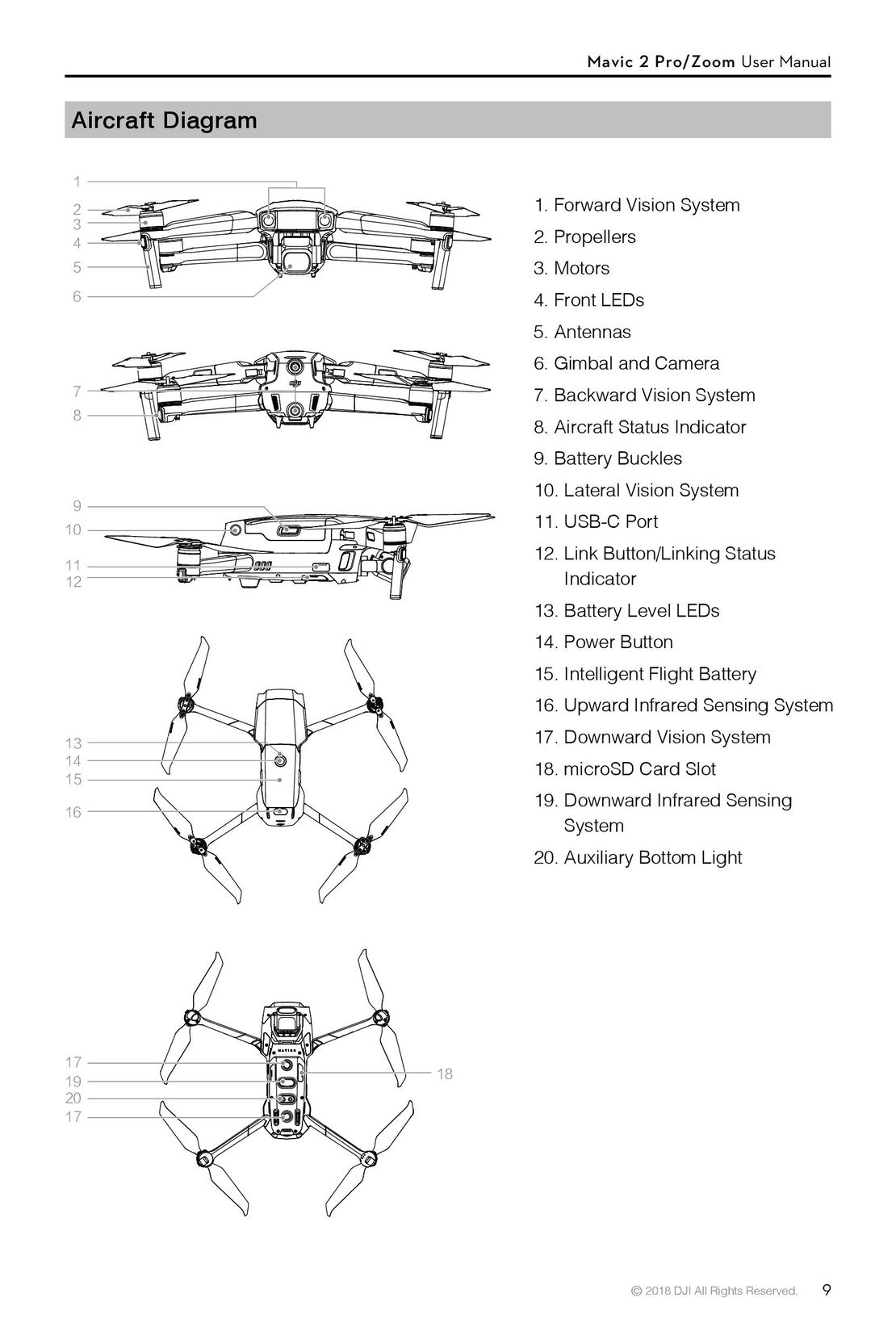 9
9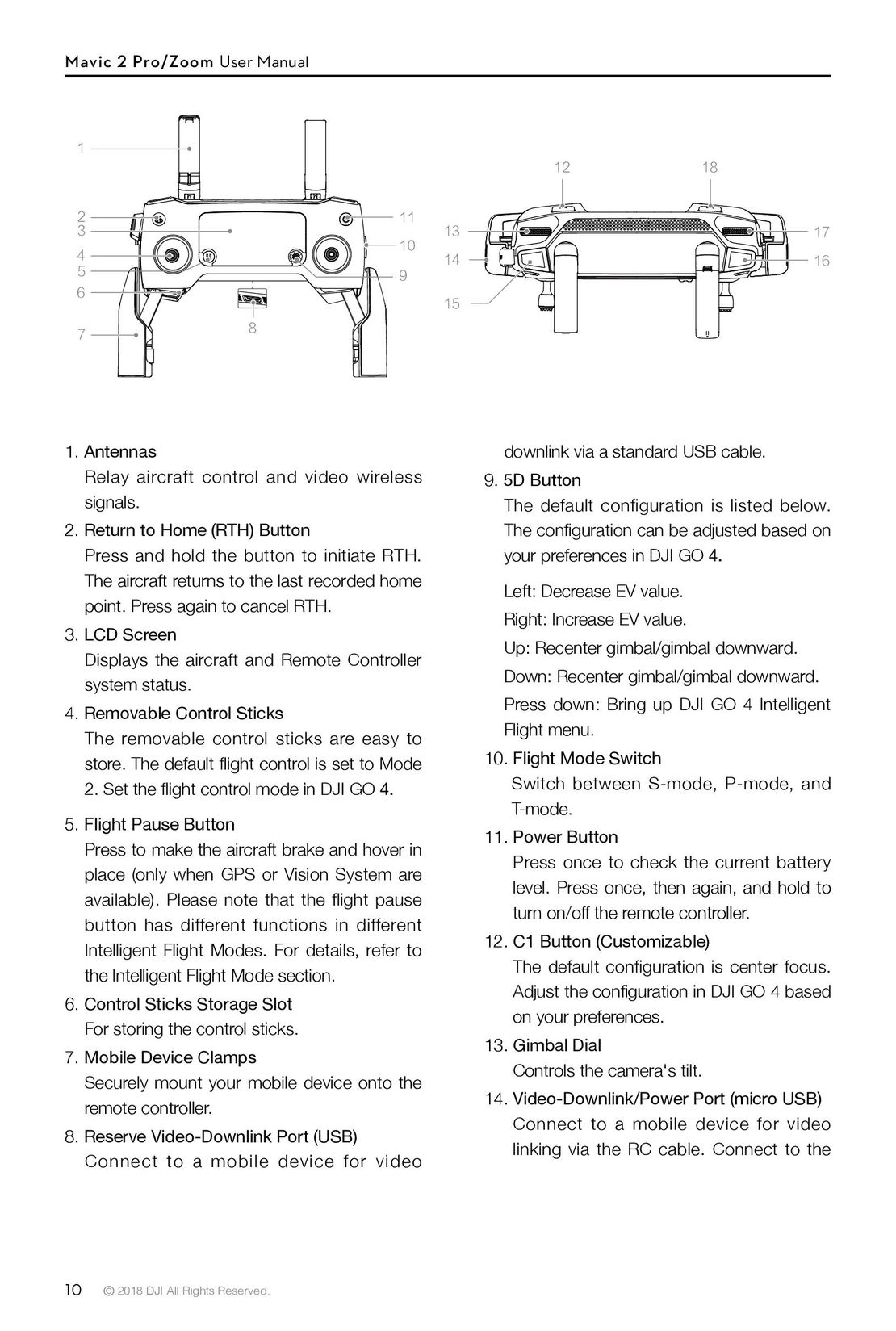 10
10 12
12 13
13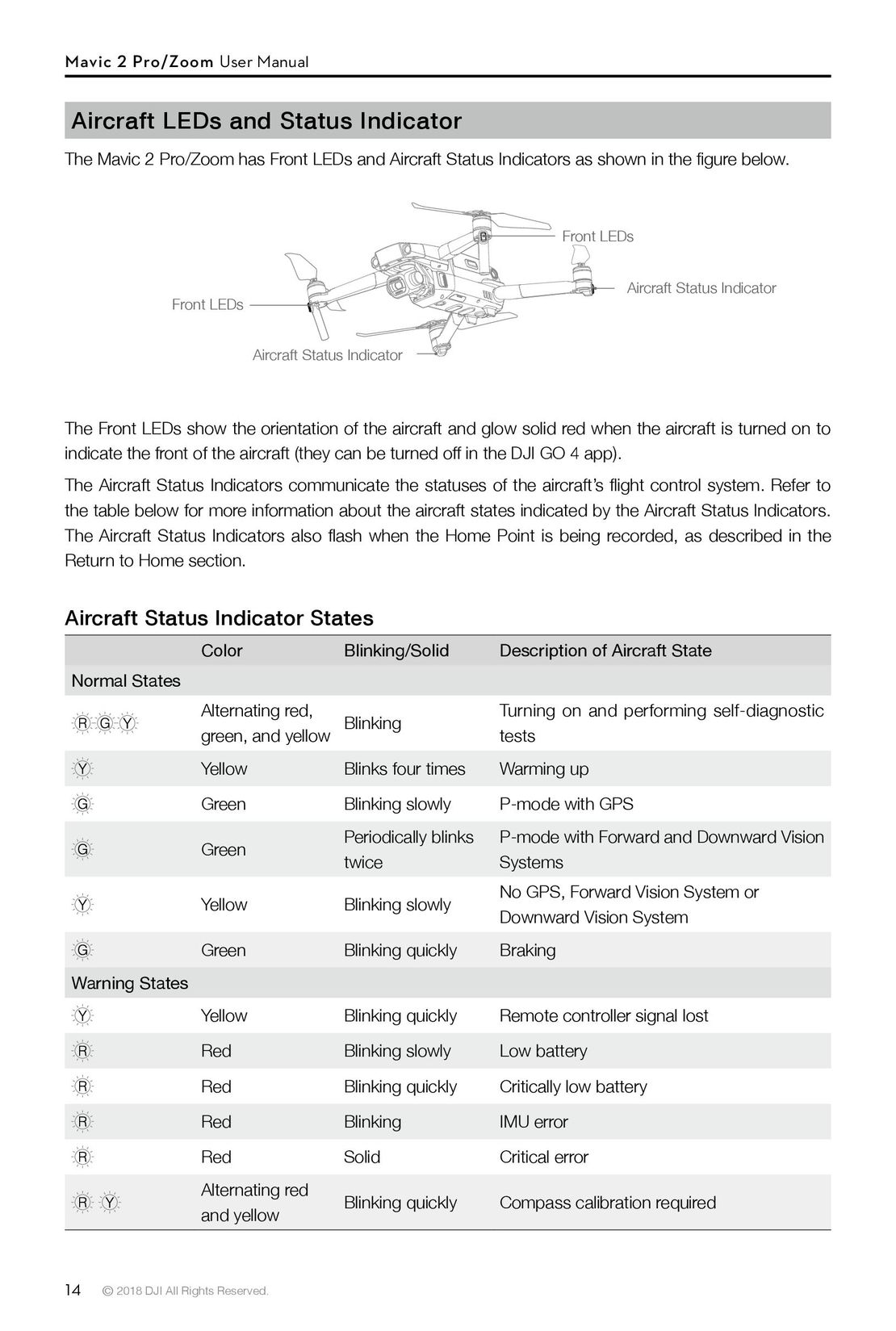 14
14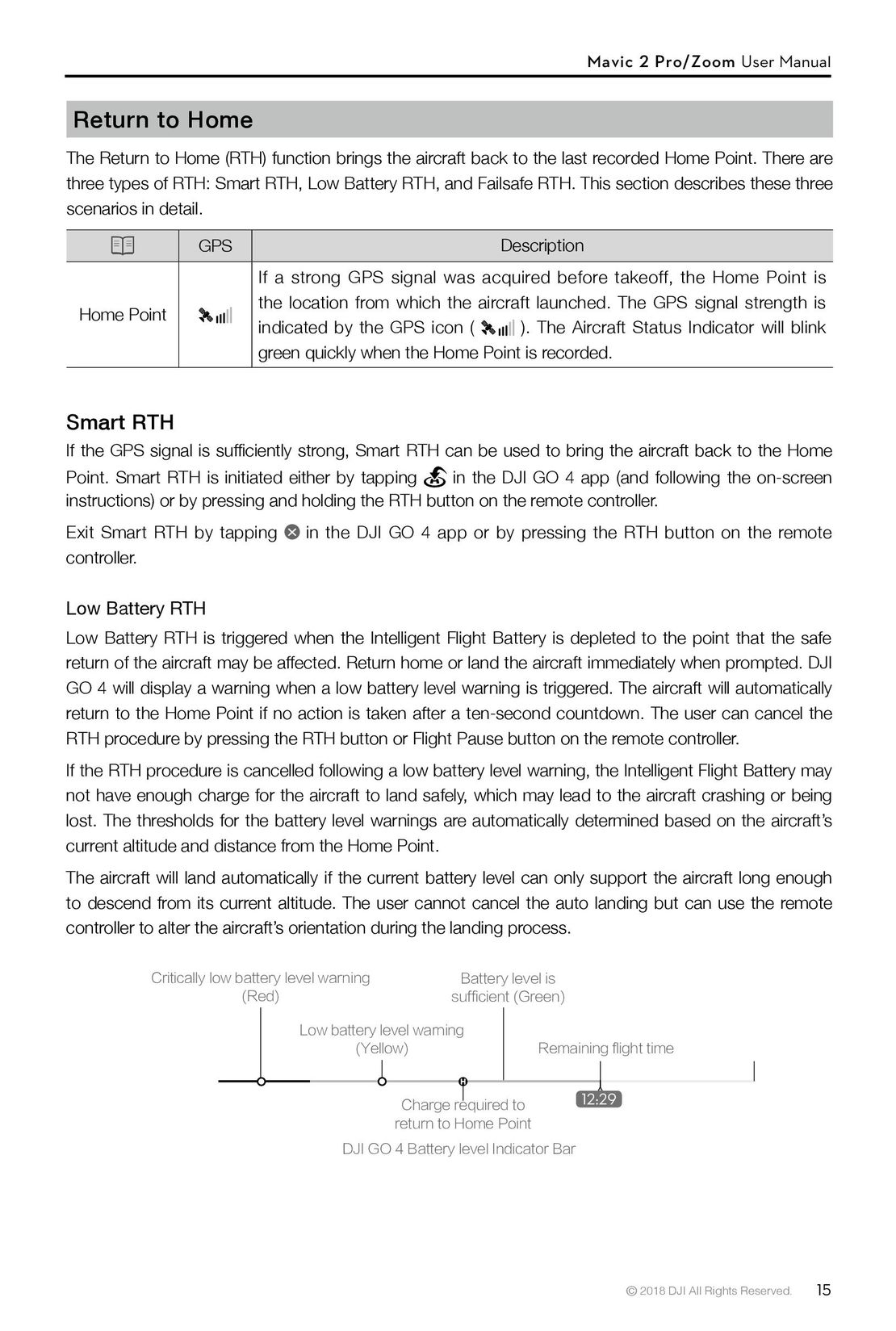 15
15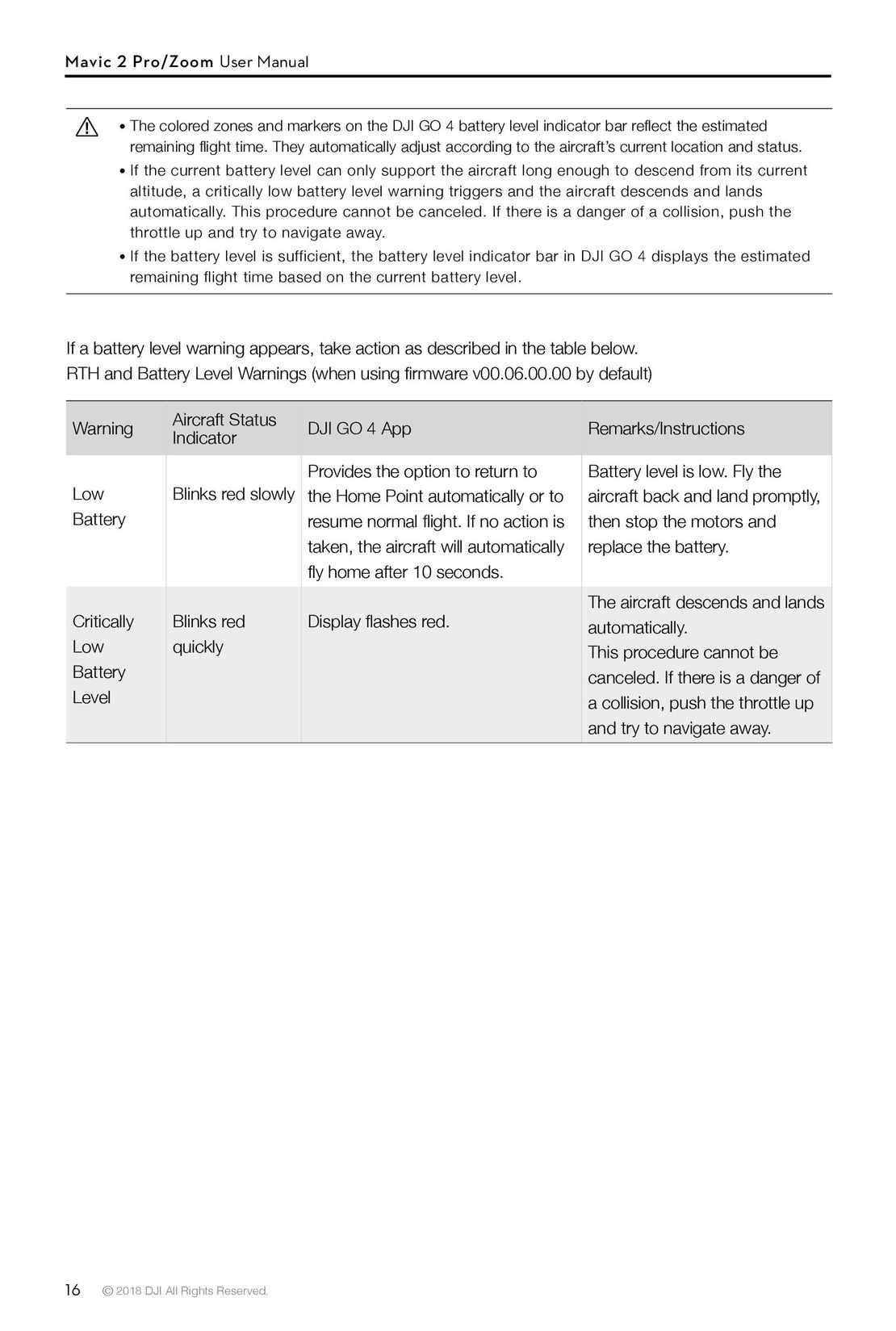 16
16 DJI Phantom 3 Standard инструкция на русском
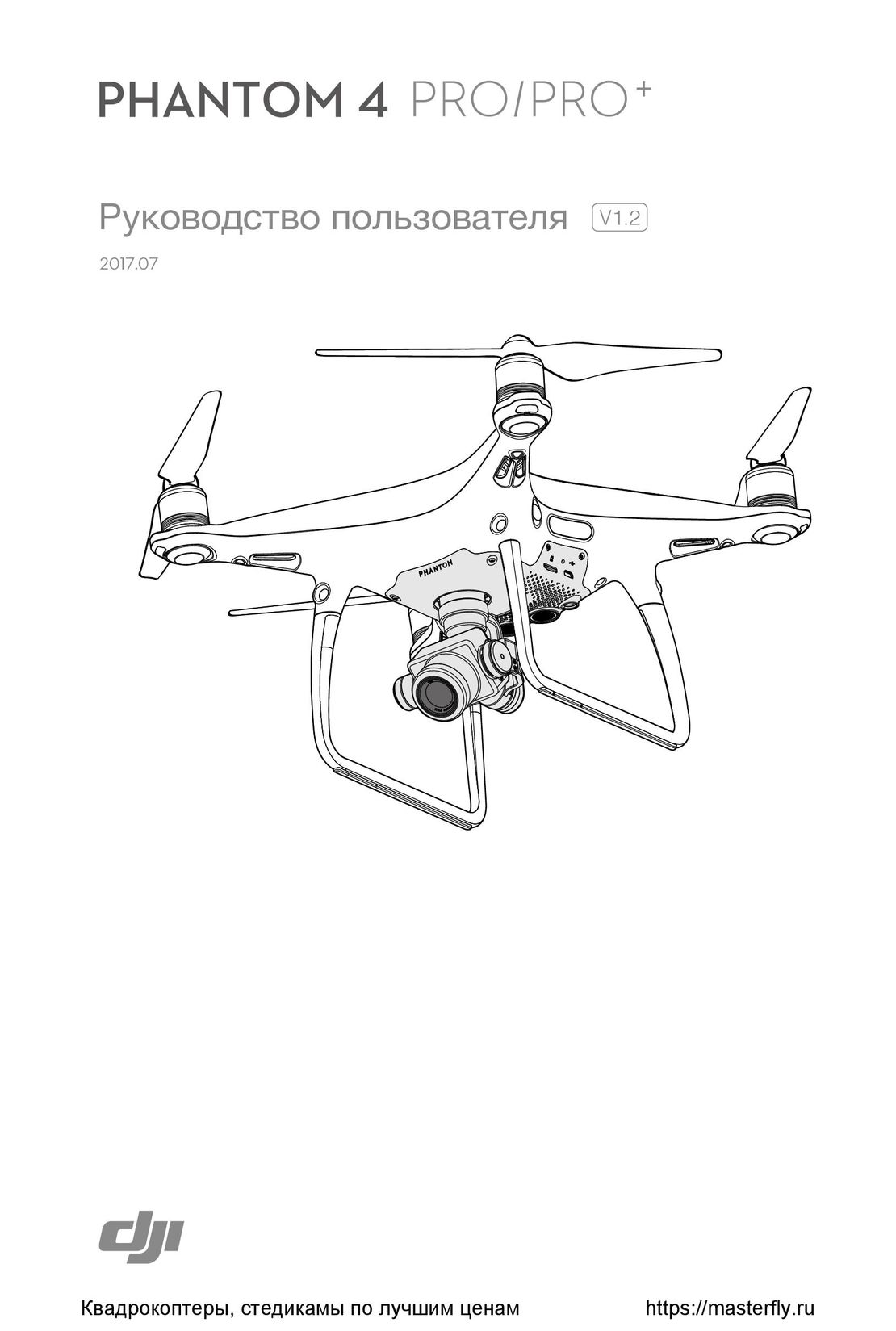 DJI Phantom 4 Pro Plus инструкция на русском
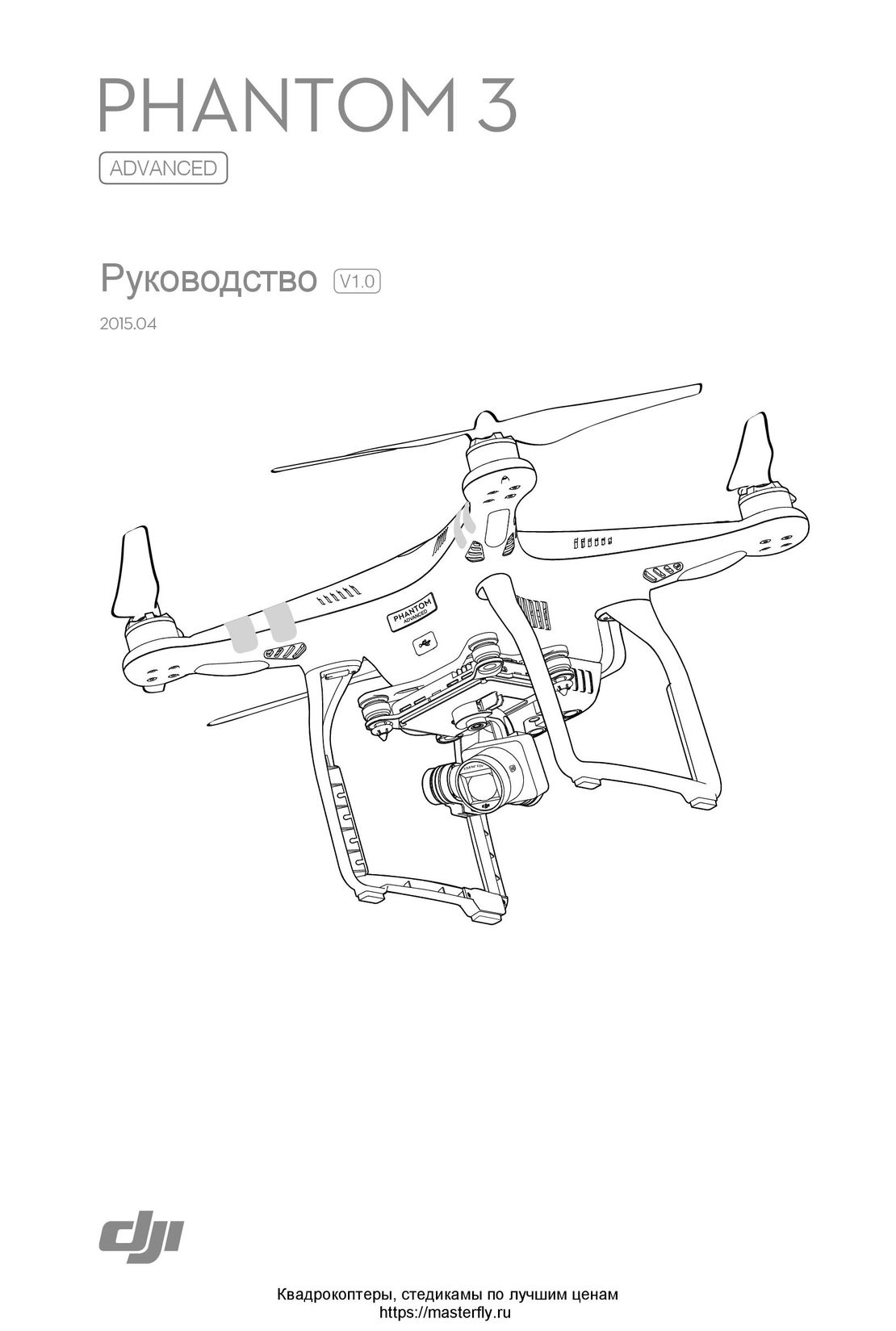 DJI Phantom 3 Advanced инструкция на русском
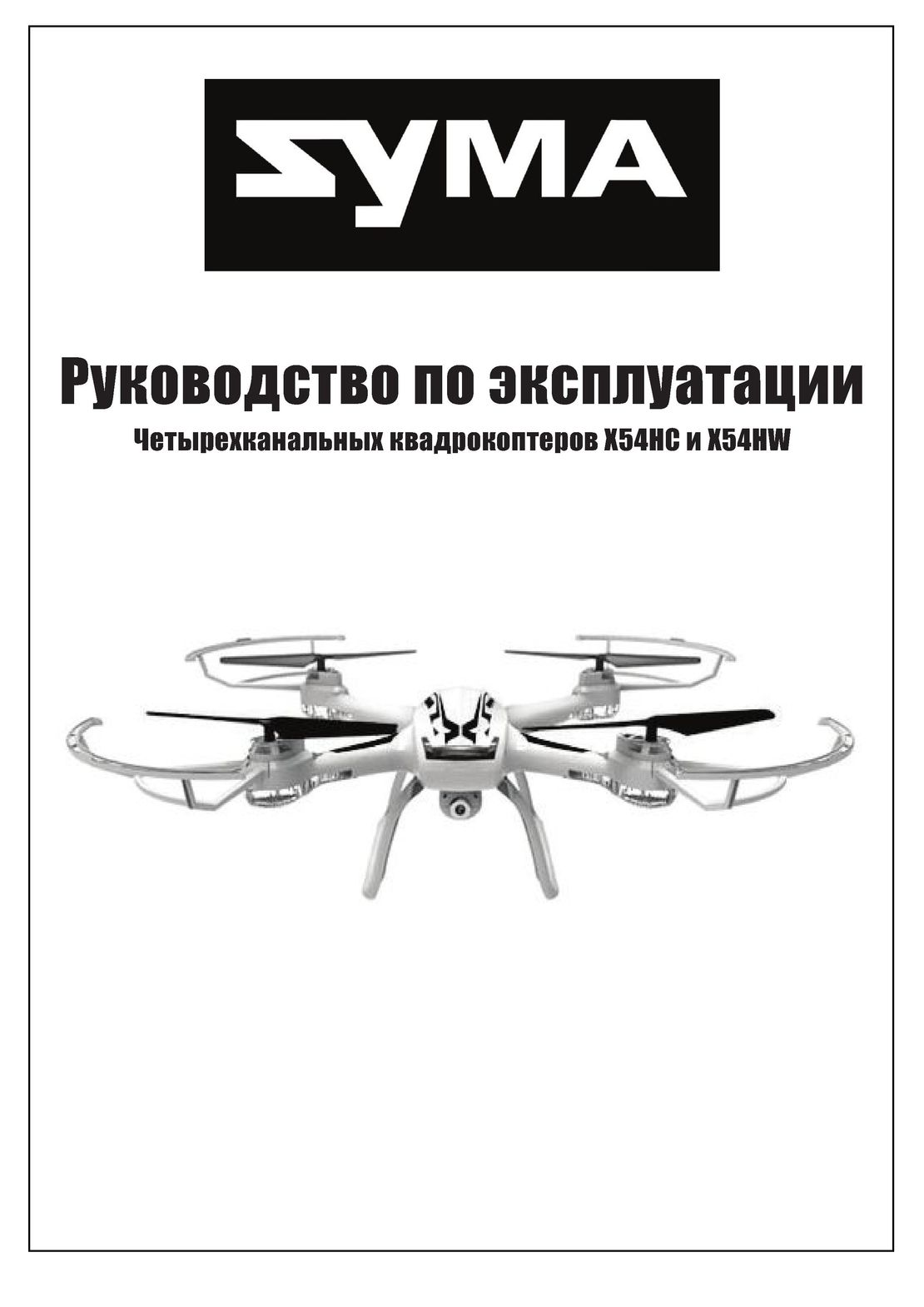 Syma X54HW X54HC инструкция на русском
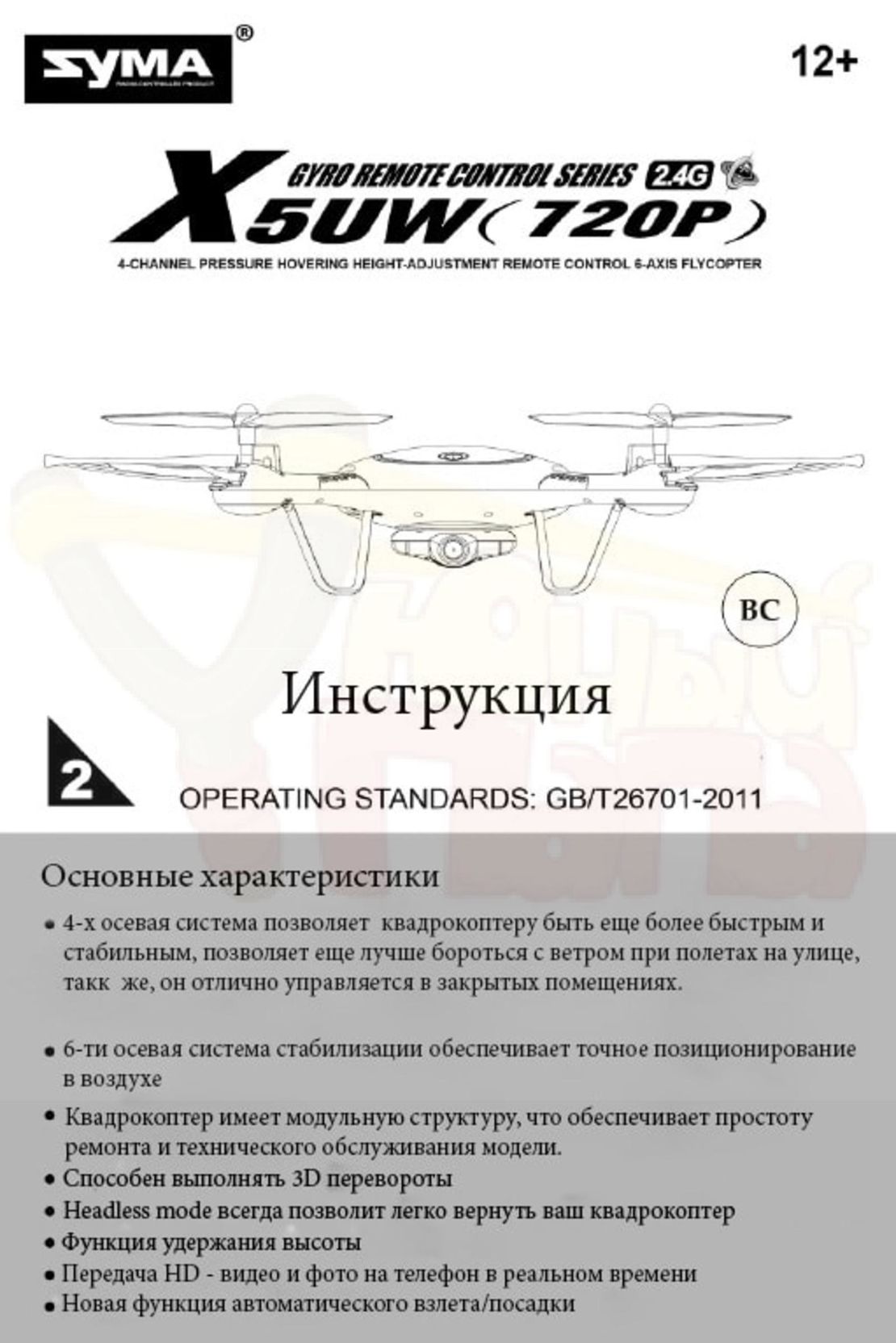 Syma X5UW инструкция на русском
 DJI Mavic Pro и Pro Platinum инструкция на русском
- Using This Manual
- Legend
- Read Before the First Flight
- Video Tutorials
- Download the DJI GO 4 App
- Download DJI Assistant 2
- Product Profile
- Introduction
- Preparing the Mavic 2 Pro/Zoom
- Preparing the Remote Controller
- Aircraft Diagram
- Activation
- Aircraft
- Flight Modes
- Aircraft LEDs and Status Indicator
- Return to Home
- Vision Systems and Infrared Sensing Systems
- Intelligent Flight Modes
- Advanced Pilot Assistance Systems
- Flight Recorder
- Attaching and Detaching the Propellers
- Intelligent Flight Battery
- Gimbal and Camera
- Remote Controller
- Using the Remote Controller
- Dual Remote Controller Mode (Coming soon)
- Linking the Remote Controller
- DJI GO 4 App
- Equipment
- Editor
- SkyPixel
- Me
- Flight
- Flight Environment Requirements
- Flight Limits and GEO Zones
- Pre-Flight Checklist
- Auto Takeoff/Landing
- Starting/Stopping the Motors
- Test Flight
- Appendix
- Specifications
- Calibrating the Compass
- Firmware Updates
- Remote Controller LCD Screen Menu Information