                    7. Mode Button. Press to select various display options:
    MODE     COMMENT
    TIME      Time since powering on the scooter.
    TRIP      Distance travelled since powering on the scooter.
    ODO       Total distance travelled.
    VOL       Current voltage.
    CHA       Number of times battery has been charged (inaccurate as only full
              discharges are counted)
Detailed P-settings mode. To access P-settings to make various advanced
changes, press MODE [7] for 2-3 seconds.
Cycle through the P-settings using the MODE button [7]. In order to change
a P-setting press GEAR button [4]. To return to operating mode, wait a few
seconds.
                                  P-SETTINGS
 P0   Tire diameter (10 = 10 inch). Do not change.
 P1   System voltage. Default 60V. Do not change.
 P2   Motor magnetic pole setting. Default 15. Do not change.
 P3   Speed signal selection. Default is 0. Do not change.
 P4   Distance / speed unit. 0=km, 1=miles
 P5   Start setting. 1=non-zero start (Kick-and-Go), accelerator won’t work if scooternot in motion; 0=immediate start (CAUTION while using this!)
 P6   Cruise control. 0=cruise control OFF, 1=cruise control ON. Advanced ridersonly.
 P7   Initial acceleration. 0=strong power, 5=least power.
 P8   Speed limit as % of top speed, i.e. 100=no speed limit.
 P9   Motor torque. 1=50% of max. torque, 2=75% of max. torque, 3=max. torque
 PA   Electric (regenerative) braking strength (E-ABS). 0=None, 1=Weak, 2=Medium,3=strong.
 PB   Display brightness (0=off, 5=highest illumination)
 PC   Scooter auto-turn off time in minutes (1-30 minutes).
      ABS (anti-lock braking system) setting. 0=ABS off, 1=ABS on (as in a car, the
 PD   brake engages and disengages rapidly to prevent the wheel from blocking)WARNING: Due to increased vibration and force and on scooter components
      when using ABS, do frequently check that all bolts are properly fastened.
                                                                                       17
 11
11 12
12 13
13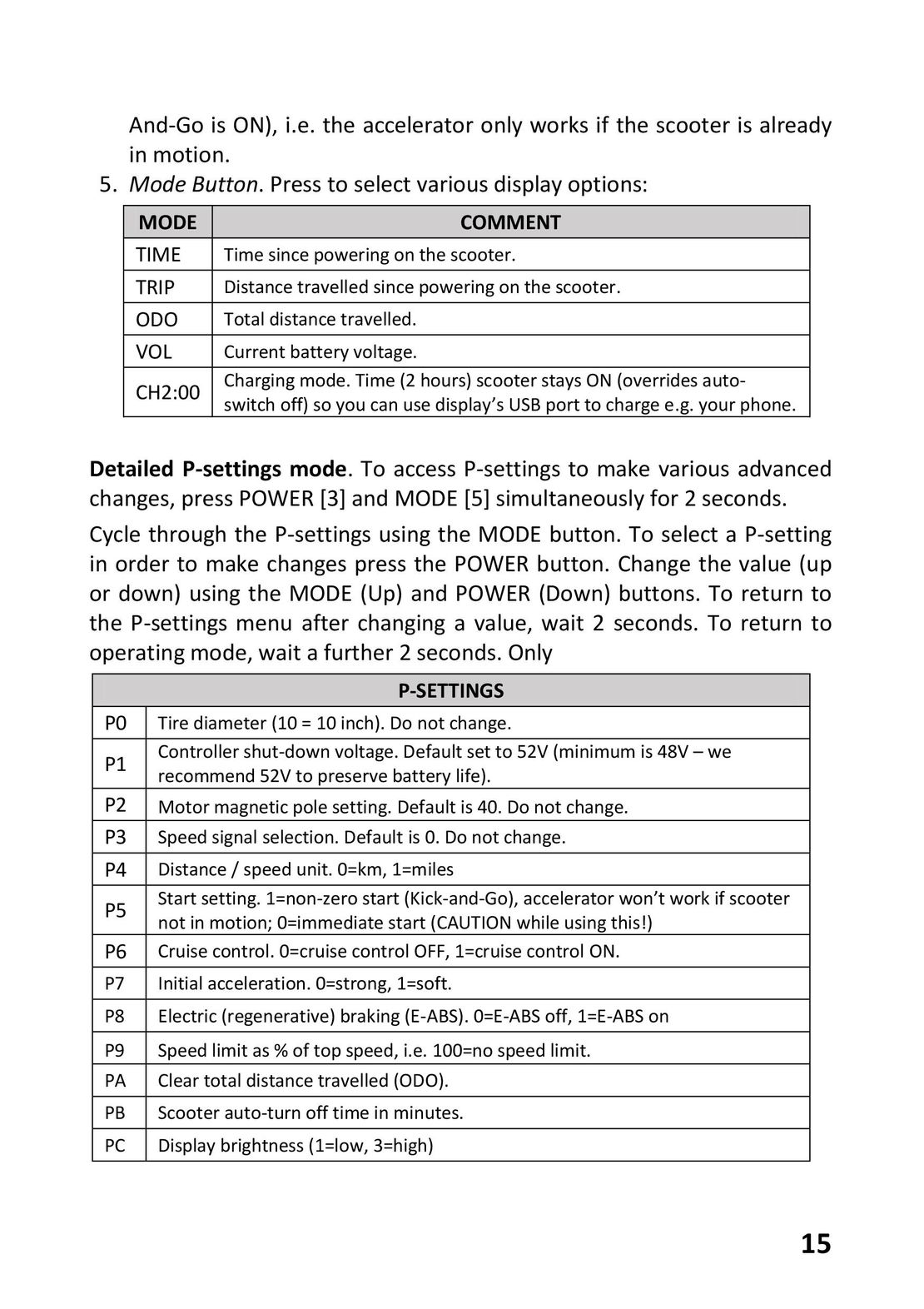 14
14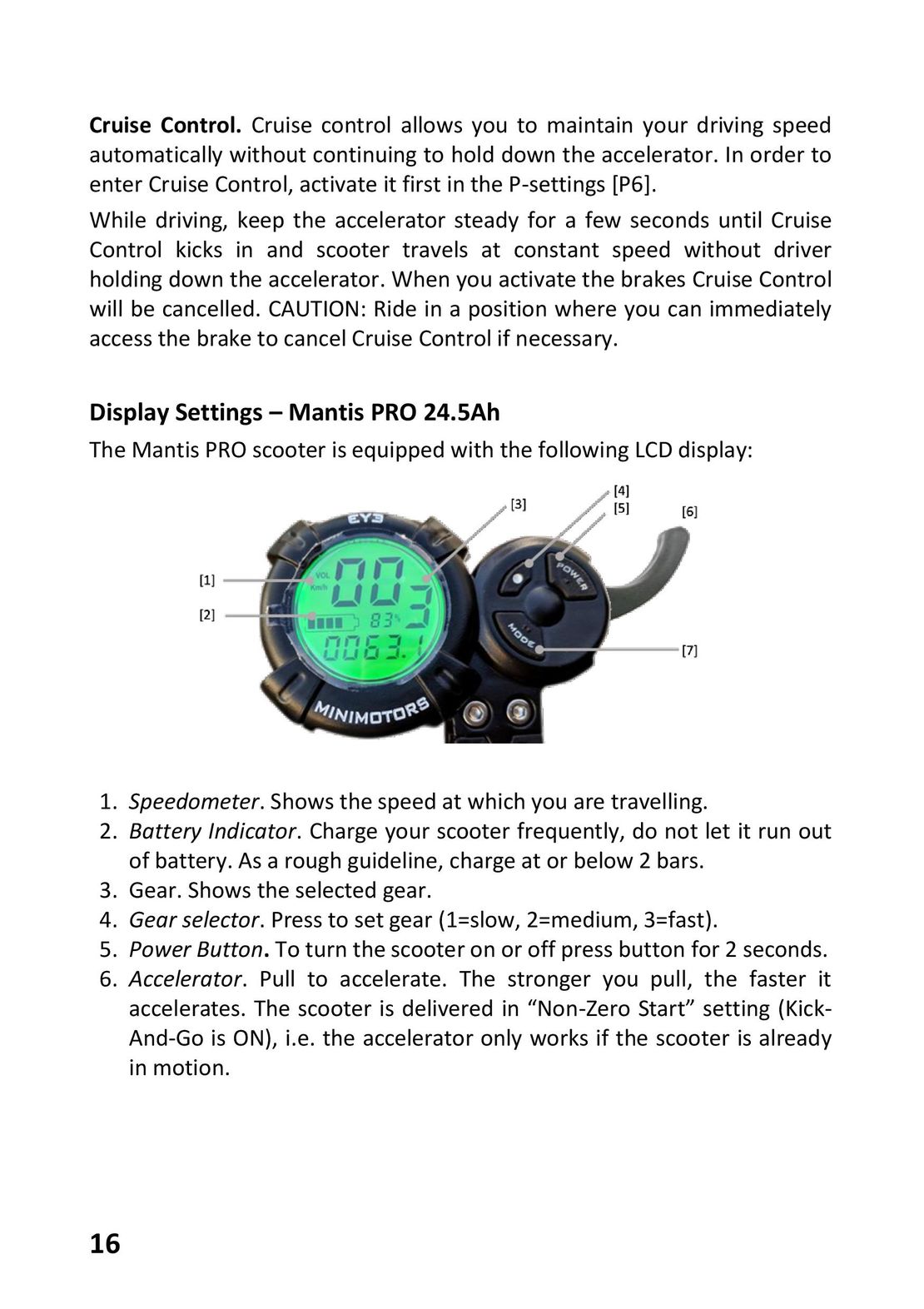 15
15 17
17 18
18 19
19 GLOBBER ONE K E-MOTION инструкция на русском
 Razor Power Core E100 инструкция на русском
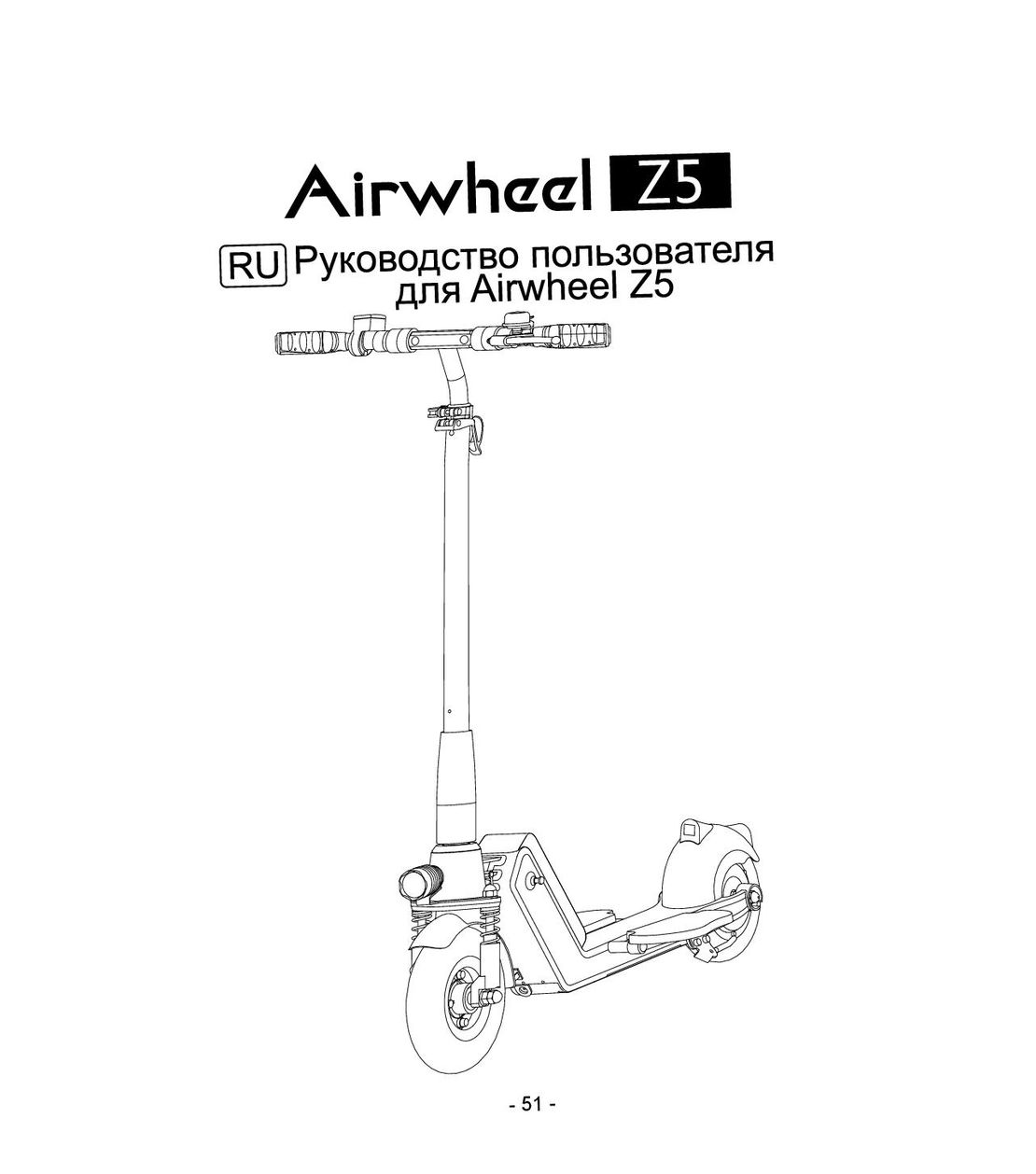 Airwheel Z5 инструкция на русском
 Hoverbot BS-01-02-Pro инструкция на русском
 Halten Lite Plus инструкция на русском