                    DISPLAY & KEY SETTINGS
Driving Mode Selection
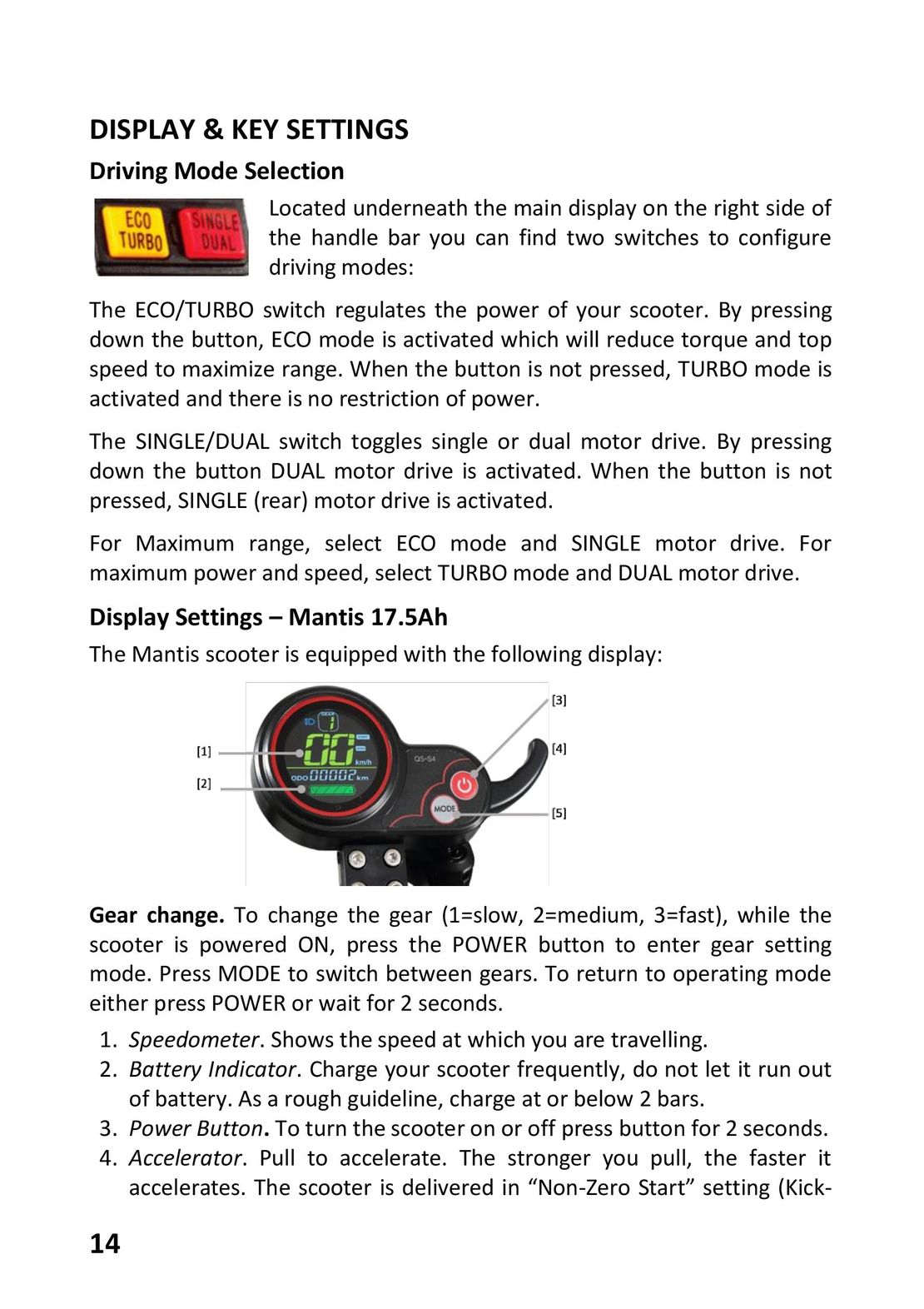
                  Located underneath the main display on the right side of
                  the handle bar you can find two switches to configure
                  driving modes:
The ECO/TURBO switch regulates the power of your scooter. By pressing
down the button, ECO mode is activated which will reduce torque and top
speed to maximize range. When the button is not pressed, TURBO mode is
activated and there is no restriction of power.
The SINGLE/DUAL switch toggles single or dual motor drive. By pressing
down the button DUAL motor drive is activated. When the button is not
pressed, SINGLE (rear) motor drive is activated.
For Maximum      range, select ECO   mode and     SINGLE motor    drive.  For
maximum power and speed, select TURBO mode and DUAL motor drive.
Display Settings – Mantis 17.5Ah
The Mantis scooter is equipped with the following display:
Gear change. To change the gear (1=slow, 2=medium, 3=fast), while the
scooter is powered ON, press the POWER button to enter gear setting
mode. Press MODE to switch between gears. To return to operating mode
either press POWER or wait for 2 seconds.
1. Speedometer. Shows the speed at which you are travelling.
2.  Battery Indicator. Charge your scooter frequently, do  not let it run out
    of battery. As a rough guideline, charge at or below 2 bars.
3. Power Button. To turn the scooter on or off press button for 2 seconds.
4.  Accelerator. Pull to accelerate. The  stronger  you  pull, the  faster it
    accelerates. The scooter is delivered in “Non-Zero Start” setting (Kick-
14
 8
8 9
9 10
10 11
11 12
12 14
14 15
15 16
16 17
17 18
18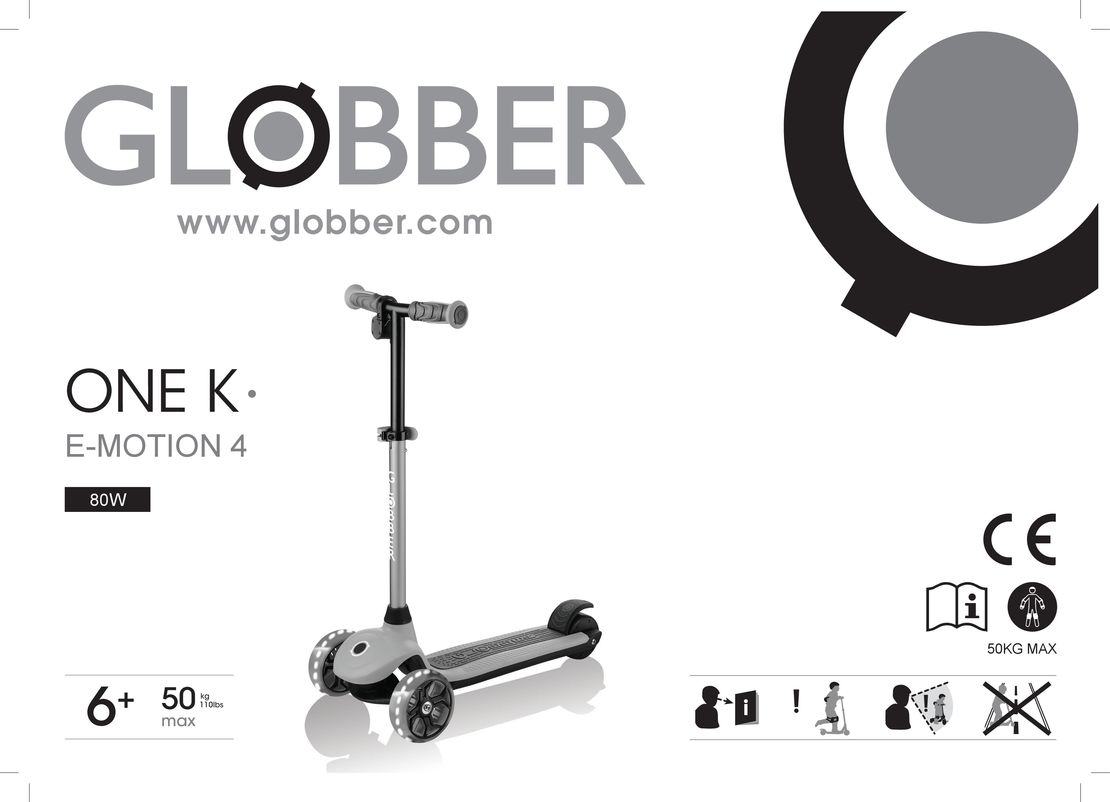 GLOBBER ONE K E-MOTION инструкция на русском
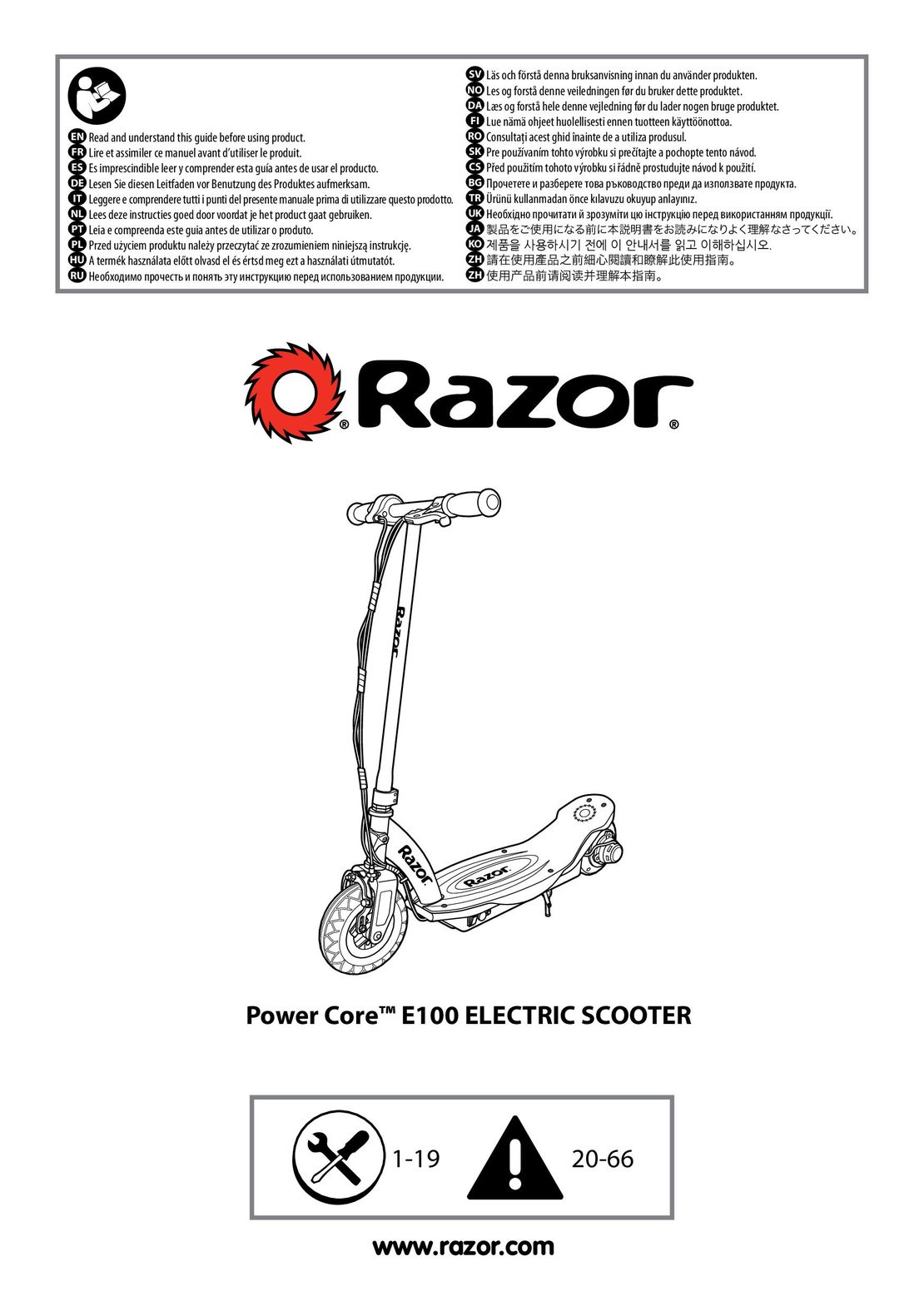 Razor Power Core E100 инструкция на русском
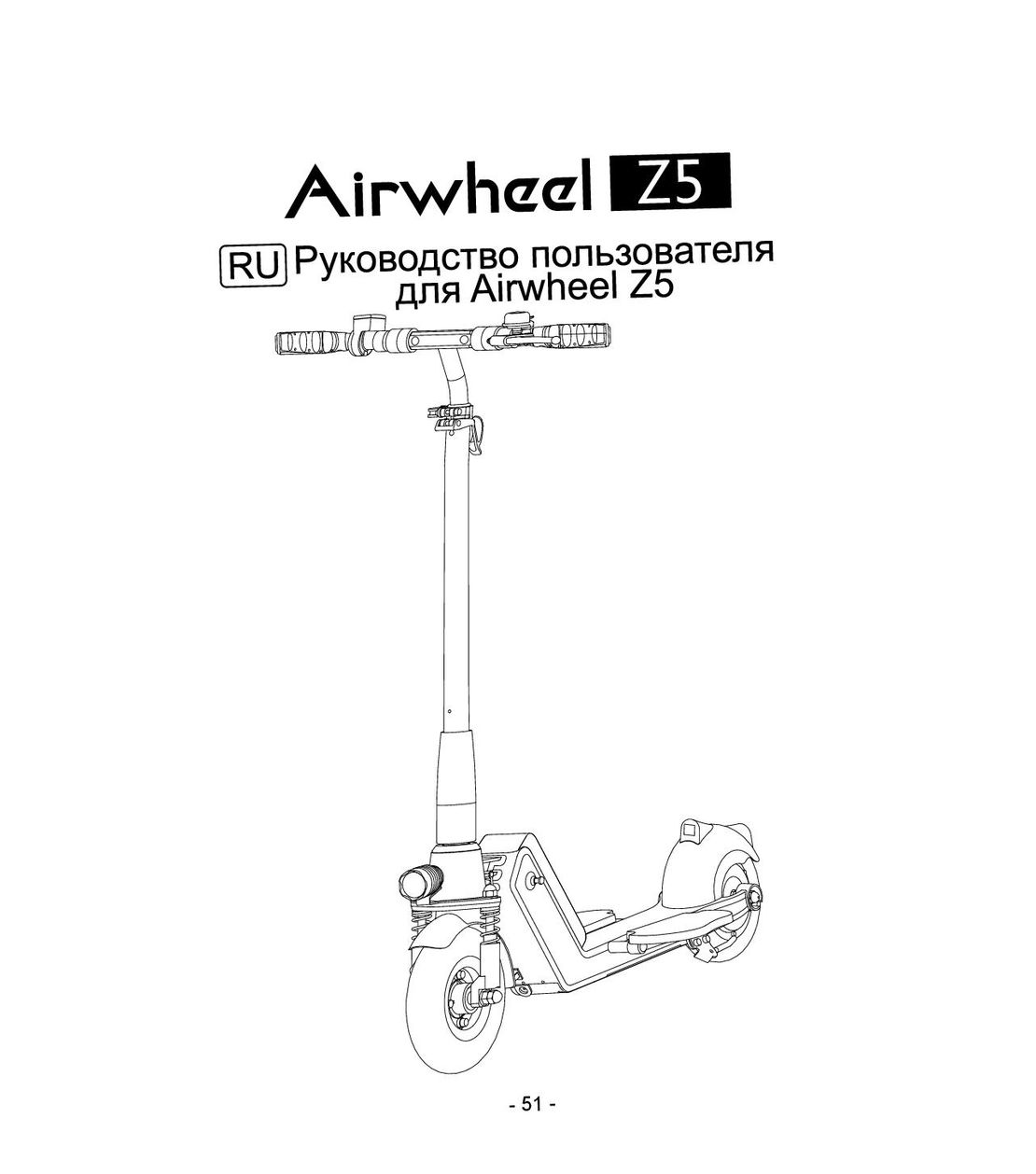 Airwheel Z5 инструкция на русском
 Hoverbot BS-01-02-Pro инструкция на русском
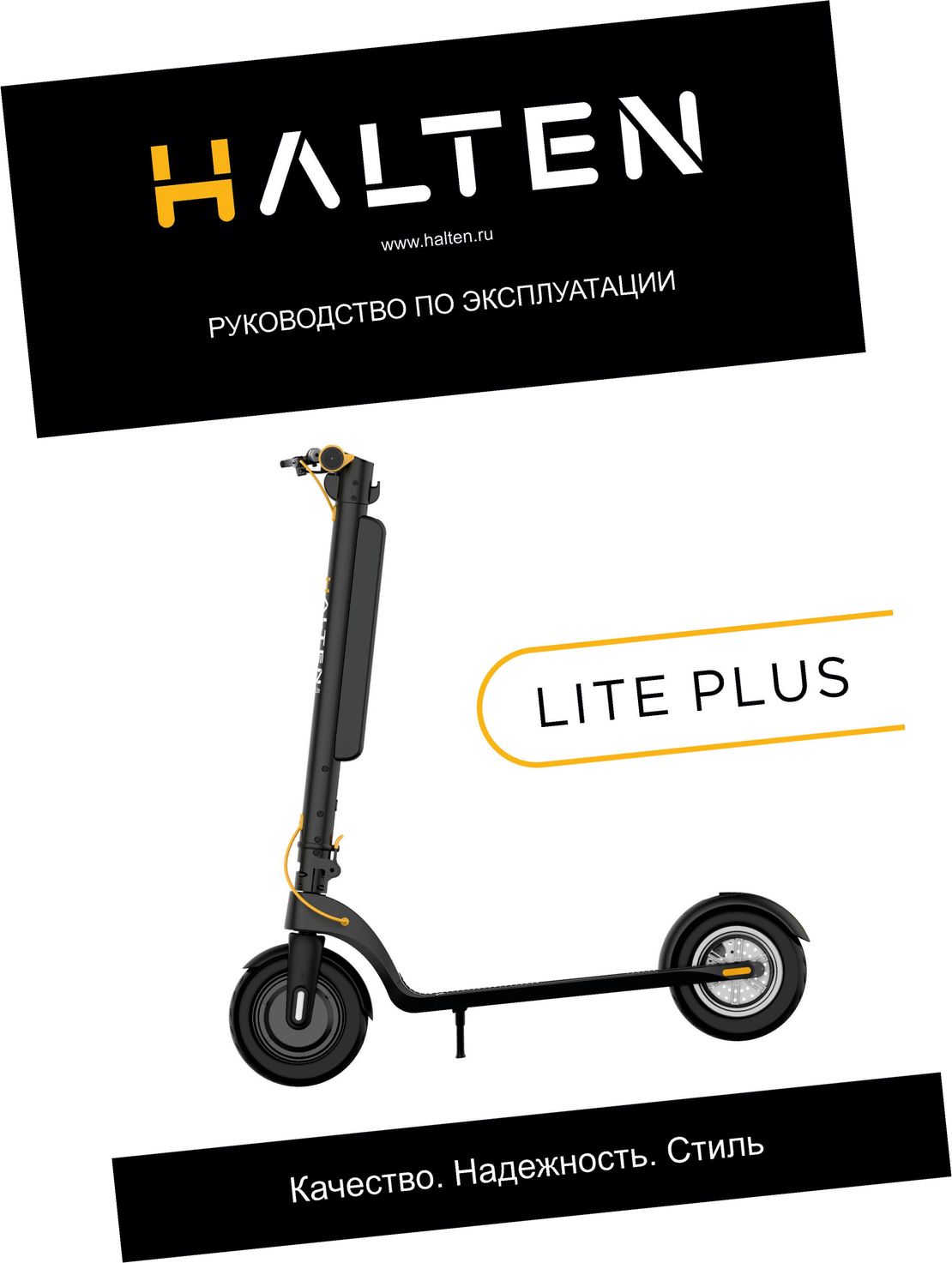 Halten Lite Plus инструкция на русском