                     CHARGING THE BATTERY
Your Power A2 may not have a fully charged battery; therefore you must charge the battery prior to use. Be sure to
charge the battery in a clean, dry location away from direct sunlight, flames or sparks.                                          WARNING: Use ONLY
                                                                                                                              with the recommended charger.
• Initial charge time: 4 hours.                               • Make sure the power button is turned OFF when                 Batteries are only to be charged
• Recharge time: up to 3 hours, even if the light               product is not in use. If the power button is left on forturns green. Recommended maximum charging timean extended period of time, the battery may reach ais 24 hours.stage at which it will no longer hold a charge.• Always charge the battery immediately after riding.• Run time: Up to 40 minutes of continuous ride time.• Fully charge battery before storing for extended periodsof time.Run time may vary depending on riding conditions, riderweight, climate, and/or proper maintenance.• Unplug charger from the wall outlet when not in use.• Constant starting and stopping may shorten ride time.• Failure to recharge battery periodically may result in abattery that will not accept a charge.• Battery life can vary depending on proper maintenanceand usage of the product.under adult supervision. The chargeris not a toy. Always disconnect thecharger before wiping down and/orcleaning the Power A2 with a dampcloth.The charger supplied with thePower A2 should be regularlyexamined for damage to the cord,plug, enclosure and other parts.In the event of such damage, the
                                                              • Do not charge at or below 32°F (0°C).                         Power A2 must not be charged until
                                                                                                                              it has been repaired or replaced.
                                                                                                                              Chargers have built-in overcharge
                                                                                                                              protection to prevent battery from
                                                                                                                              being overcharged.
                                                                                                                              Wall outlet - Green (stand by)
                                                                                                                              Wall outlet and product -
                                                                                                                              Red (charging)
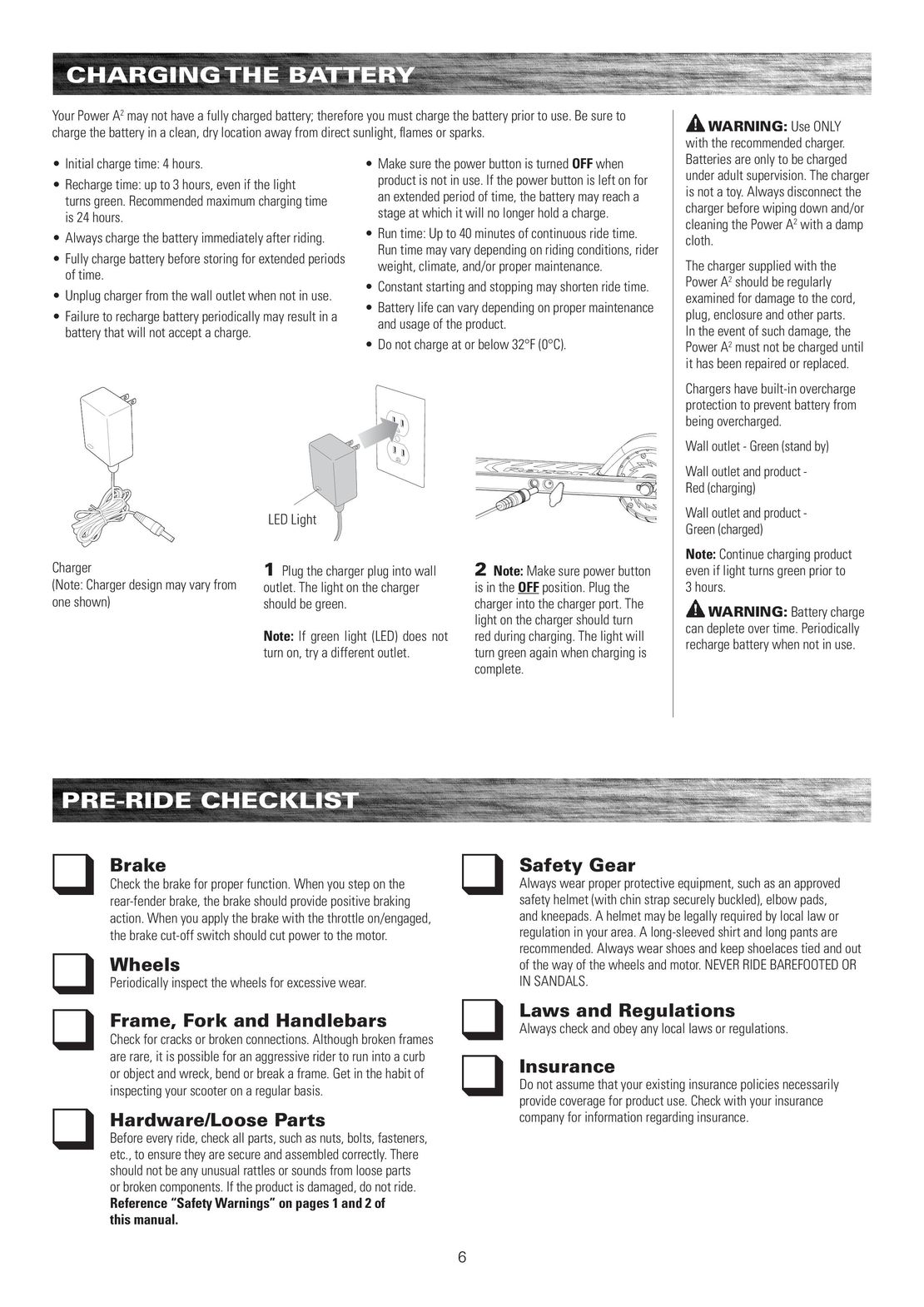
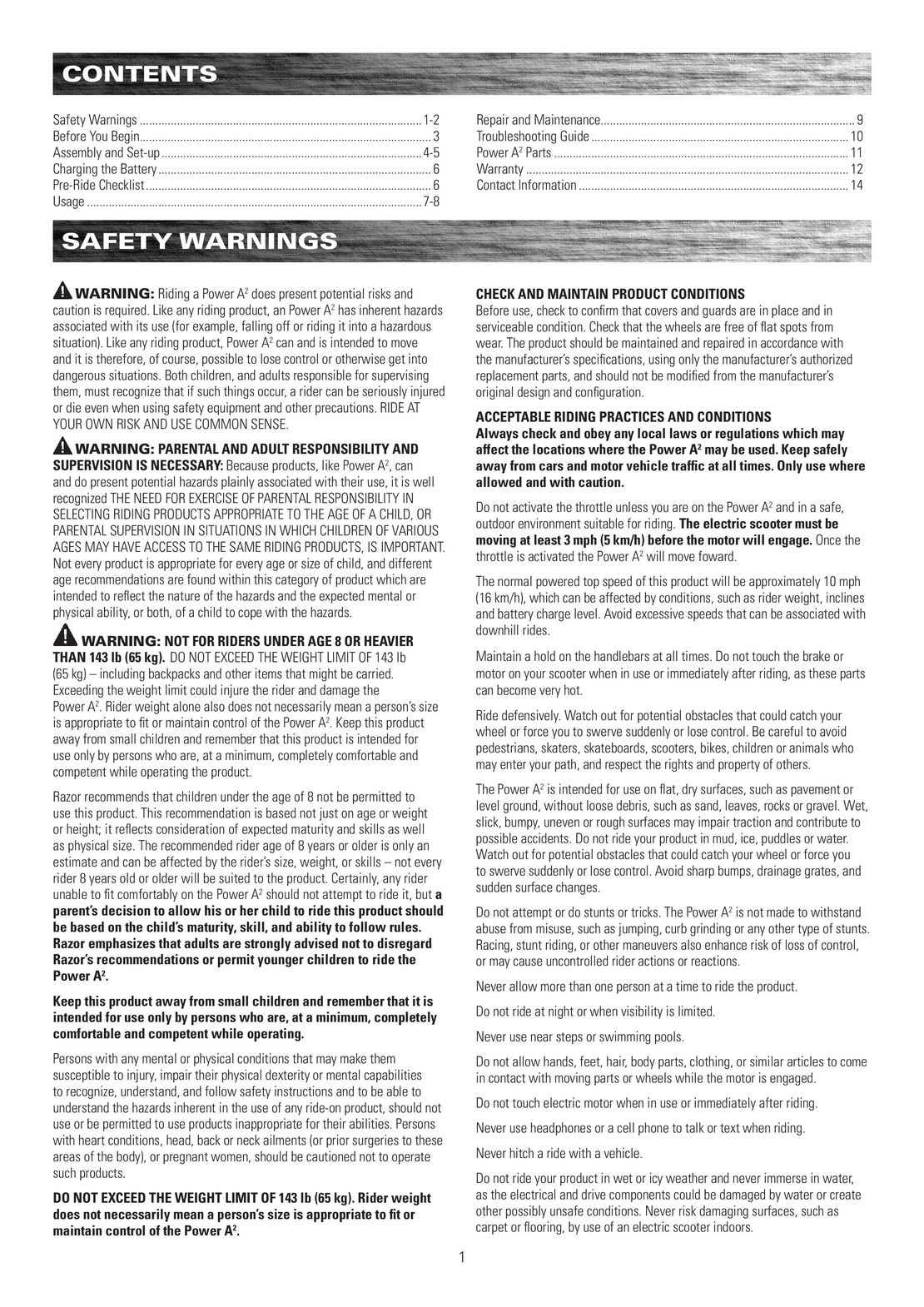
                                         LED Light                                                                            Wall outlet and product -Green (charged)
                                                                                                                              Note: Continue charging product
Charger                                 1 Plug the charger plug into wall          2 Note: Make sure power button             even if light turns green prior to
(Note: Charger design may vary from      outlet. The light on the charger           is in the OFF position. Plug the          3 hours.
one shown)                               should be green.                           charger into the charger port. Thelight on the charger should turnNote: If green light (LED) does notred during charging. The light willturn on, try a different outlet.turn green again when charging isWARNING: Battery chargecan deplete over time. Periodicallyrecharge battery when not in use.
                                                                                    complete.
PRE-RIDE CHECKLIST
          Brake                                                                             Safety Gear
          Check the brake for proper function. When you step on the                          Always wear proper protective equipment, such as an approved
          rear-fender brake, the brake should provide positive braking                       safety helmet (with chin strap securely buckled), elbow pads,
          action. When you apply the brake with the throttle on/engaged,                     and kneepads. A helmet may be legally required by local law or
          the brake cut-off switch should cut power to the motor.                            regulation in your area. A long-sleeved shirt and long pants are
                                                                                             recommended. Always wear shoes and keep shoelaces tied and out
          Wheels                                                                             of the way of the wheels and motor. NEVER RIDE BAREFOOTED OR
          Periodically inspect the wheels for excessive wear.                                IN SANDALS.
          Frame, Fork and Handlebars                                                        Laws and RegulationsAlways check and obey any local laws or regulations.
          Check for cracks or broken connections. Although broken frames
          are rare, it is possible for an aggressive rider to run into a curbor object and wreck, bend or break a frame. Get in the habit ofInsurance
          inspecting your scooter on a regular basis.                                        Do not assume that your existing insurance policies necessarily
                                                                                             provide coverage for product use. Check with your insurance
          Hardware/Loose Parts                                                               company for information regarding insurance.
          Before every ride, check all parts, such as nuts, bolts, fasteners,
          etc., to ensure they are secure and assembled correctly. There
          should not be any unusual rattles or sounds from loose parts
          or broken components. If the product is damaged, do not ride.
          Reference “Safety Warnings” on pages 1 and 2 of
          this manual.
                                                                                 6
 2
2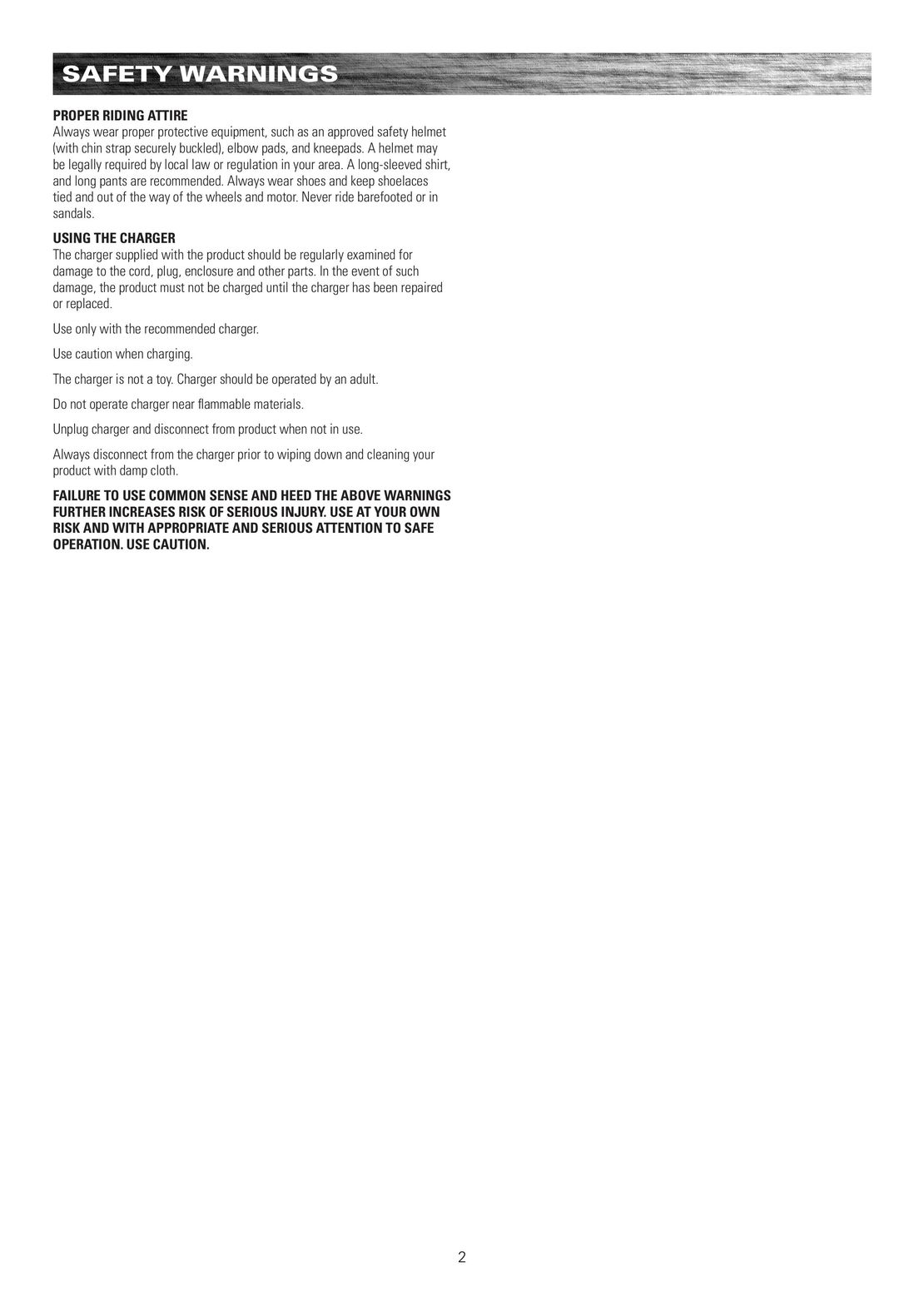 3
3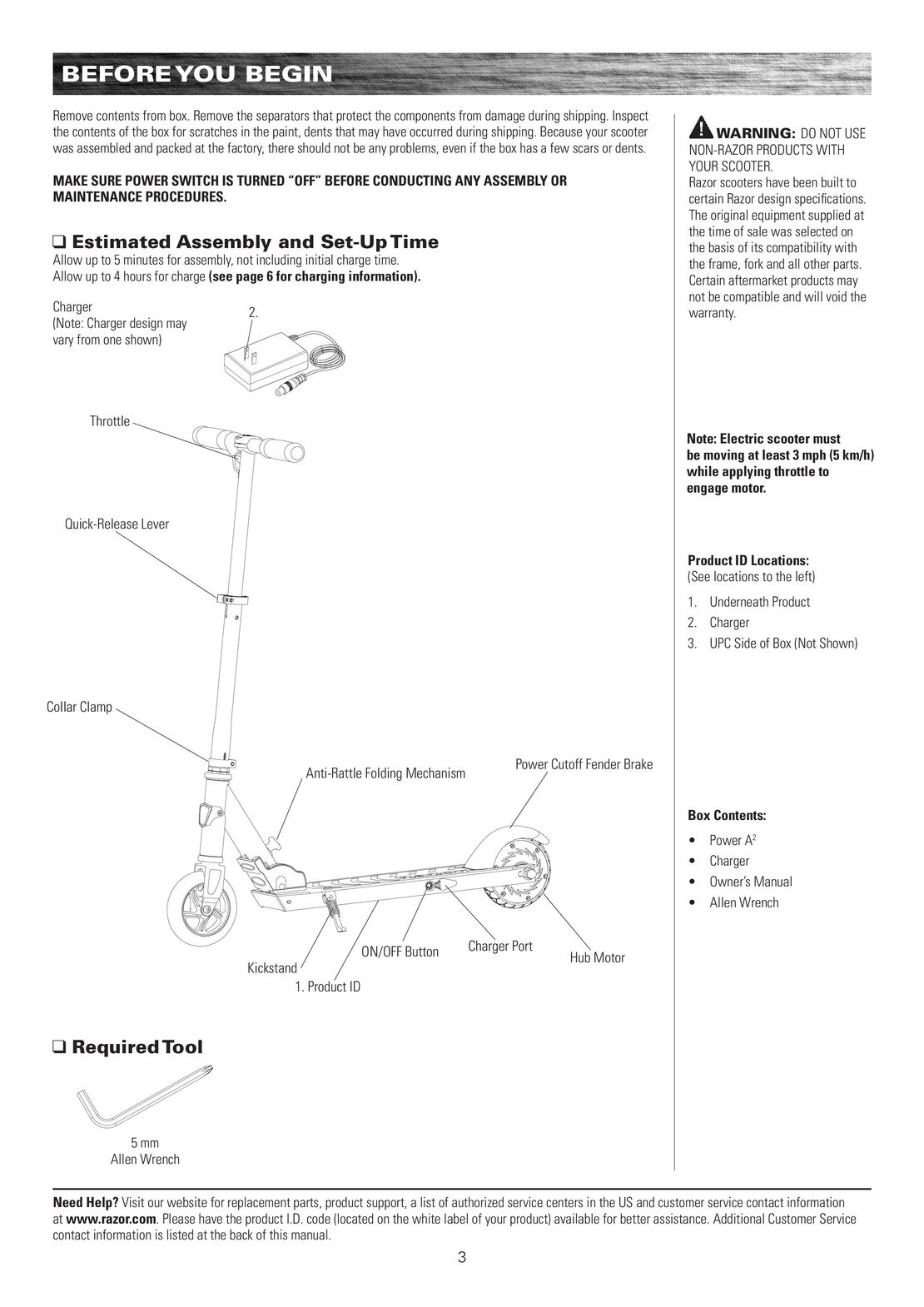 4
4 5
5 6
6 8
8 9
9 10
10 11
11 12
12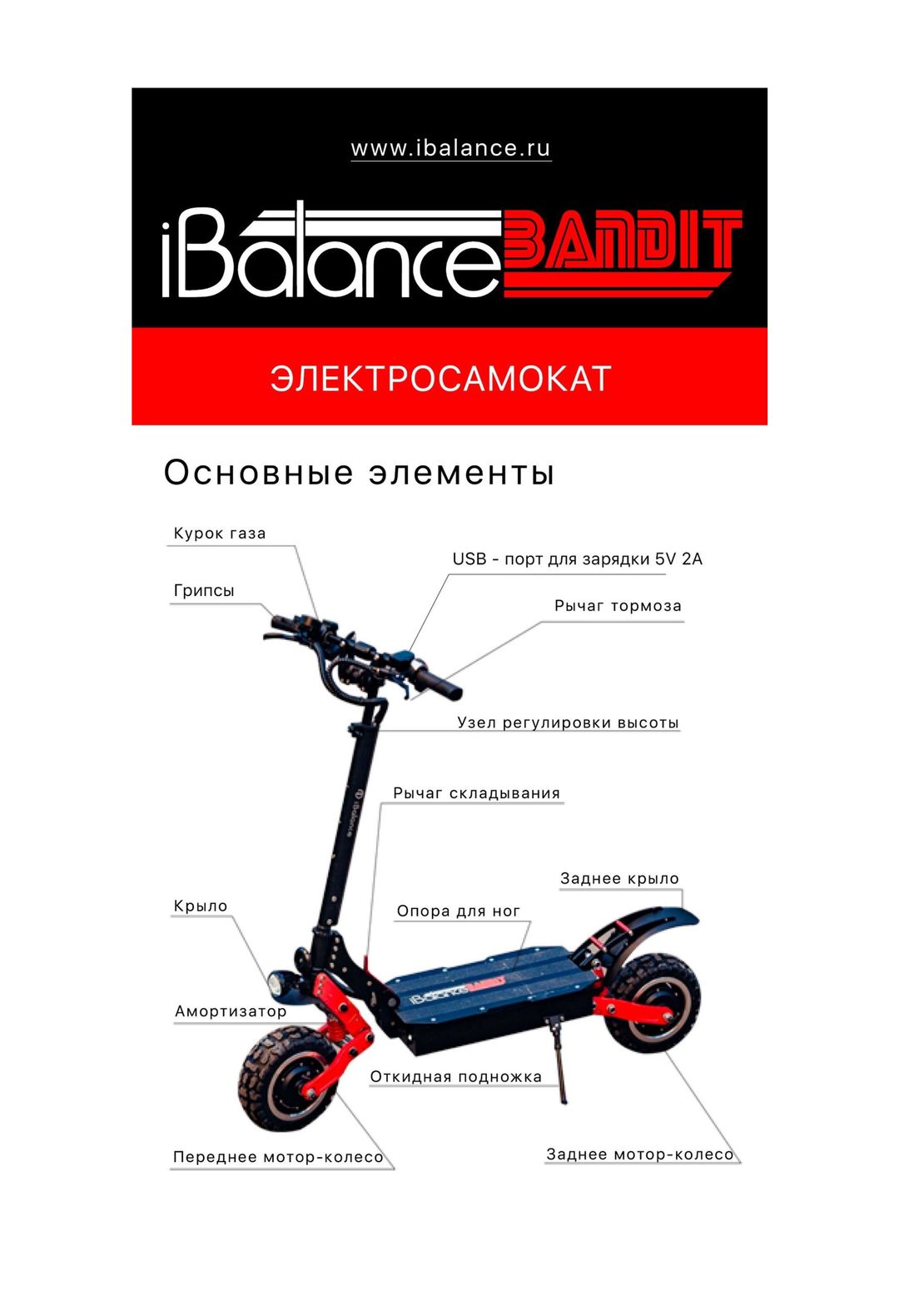 iBalance Bandit инструкция на русском
 Hoverbot D-02 инструкция на русском
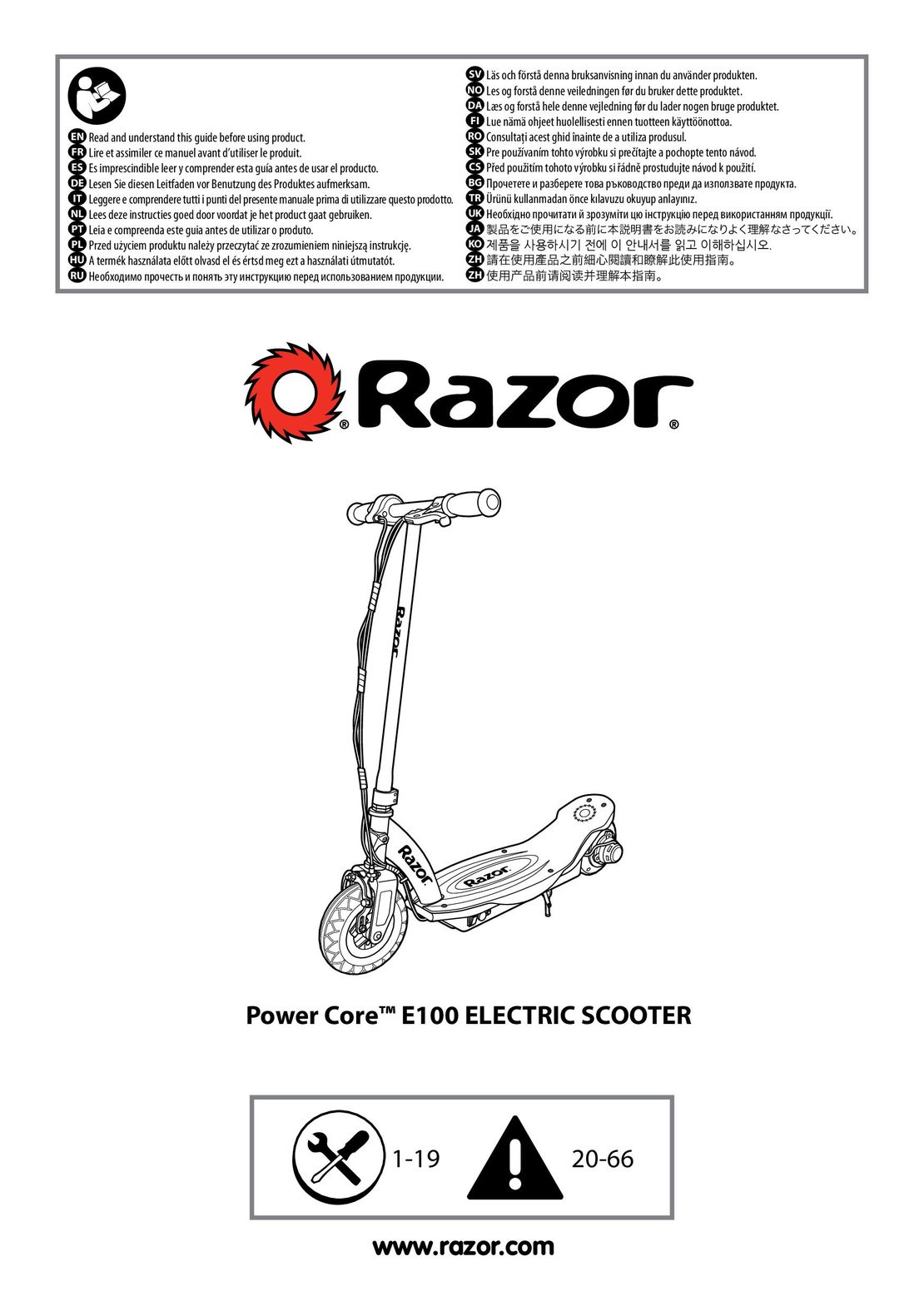 Razor Power Core E100 инструкция на русском
 Xiaomi Mi Electric Scooter 1S инструкция на русском
 Yamato PES 0809, 0810, mini инструкция на русском